Русский
  Română
  Deutsch
  Français
  Türkçe
  Español
  Português
  Українська
  български
  Polski
  Indonesia
  中文 (中国)















































































































AMD®
RYZEN® 9 5950X
-
 16 Cores 32 Threads
 -
 DDR4 128 GB
 -
 2 x 2TB NVMe
 Open Ticket
  +373 79 600002 info@alexhost.com
  Telegram Live Chat Telegram Official
  F.A.Q
F.A.Q  English
























 Dedicated IPv4
 Full Root Access
 HDD / SSD / NVMe
 1 Gbps Speed
 IPv6 Support
 30-Day Refund
 Verified Company


AMD®
16 Cores 32 Threads DDR4 128 GB 2 x 2TB NVMe Intel® Pentium™
 2 Cores 2 Threads DDR3 4/ SSD or SATA HDD
 Intel® Core™
2 Cores 4 Threads DDR3 4/ SSD or SATA HDD Intel® Core™
4 Cores 4 Threads DDR3 4/ SSD or SATA HDD Intel® Xeon®
6 Cores 12 Threads DDR3 4/ SSD or SATA HDD Intel® Core™
4 Cores 8 Threads DDR3 4/ SSD or SATA HDD 2x Intel® Xeon®
28 Cores 56 Threads DDR4 64 GB ECC 1TB SSD Intel® Xeon®
12 Cores 24 Threads DDR4 8/ SSD or NVMe 2x Intel® Xeon®
12 Cores 24 Threads DDR4 32/ SSD 2x Intel® Xeon®
36 Cores 72 Threads DDR4 32/ SSD 2x Intel® Xeon®
36 Cores 72 Threads DDR4 32/ SSD Intel® Core™
8 Cores 16 Threads DDR4 8/ M2 NVMe, M2 SSD or SATA HDD 2x Intel® Xeon®
28 Cores 56 Threads DDR4 64/ SSD Intel® Core™
12 Cores 24 Threads DDR4 8/ M2 NVMe, M2 SSD or SATA HDD AMD®
16 Cores 32 Threads DDR4 64/ NVMe SSD 2x Intel® Xeon®
40 Cores 80 Threads DDR4 64/ SSD 2x Intel® Xeon®
40 Cores 80 Threads DDR4 64/ SSD No plans in this price range.

What is the dedicated remote desktop server? This is a development enhanced with Remote Desktop support (physical server type), which is offered for rent by AlexHost to anyone interested.

The format of such a solution ensures that you will be the only user who gains access to its resources. This server structure offers remote desktop access to specialized integrated tools within operating systems and applications. Importantly, all computational power is exclusively available for the use of a single consumer. With this approach, your project will run smoothly and with maximum quality.
Another aspect is the convenience and practicality of the connection procedures from any device. Regardless of your current location, you can comfortably interact with the tools on the remote desktop. It’s also worth noting that full control over the dedicated remote desktop server provides a unique opportunity to finely tune it according to the needs of your digital project and even install the necessary software.
Dedicated remote desktop servers are often used by modern organizations to ensure stable remote work access for all team members, to launch web resources, gain access to platforms for storing and processing data, as well as to address other complex tasks.
Remote desktop server hosting is capable of supporting various types of today’s well-known operating systems reliably and efficiently. This feature allows each consumer to choose the optimal platform type based on the specific needs of their project. The following are among the most popular and commonly used OS on remote desktop server hosting:
When choosing the optimal OS for such servers, it’s important to consider the relevance of the software, server performance requirements, and experience in managing a specific OS. Additionally, it’s recommended to ensure that the chosen OS is compatible with the working services and applications you intend to use.
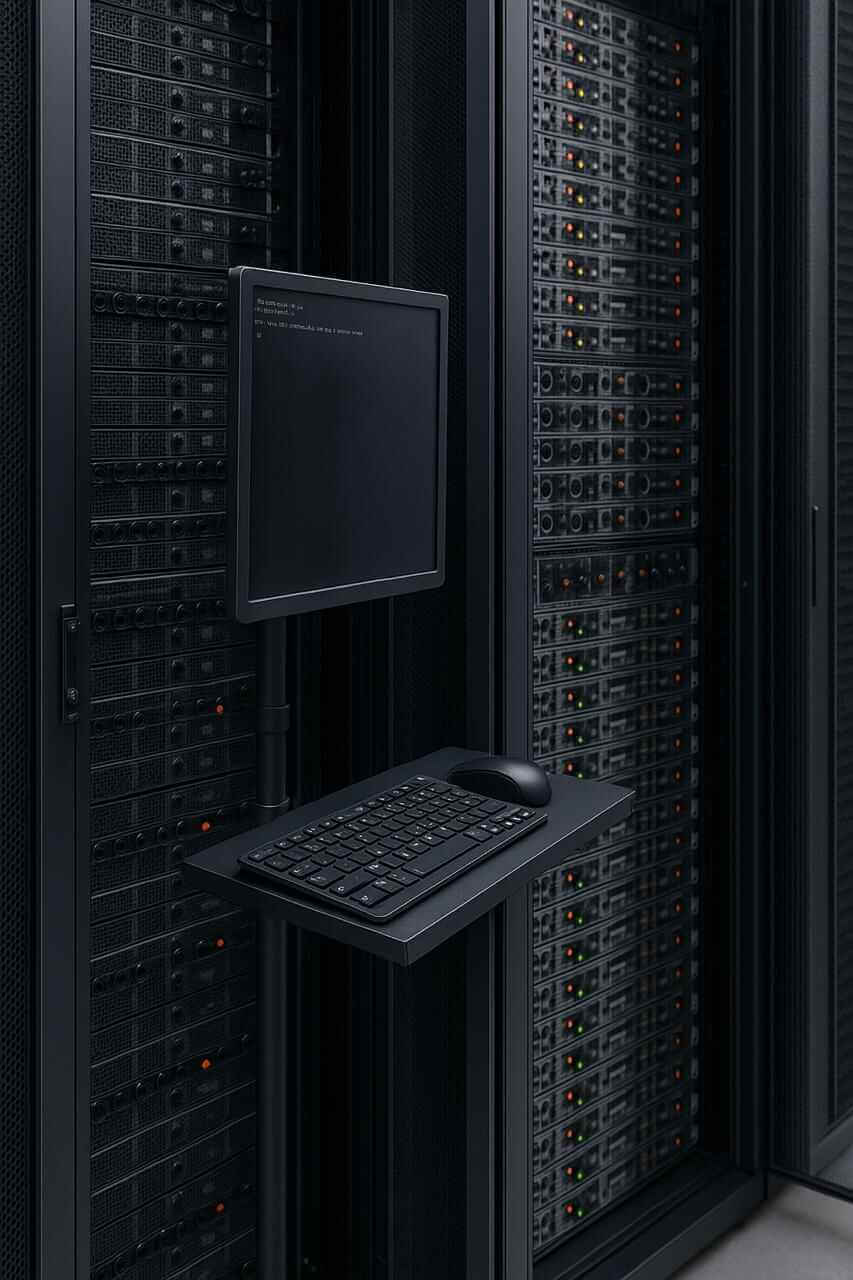
Looking for a reliable platform to deploy any project? Turn to AlexHost. Here, you’ll find the best prices, the most flexible collaboration terms, and efficient dedicated remote desktop server hosting.
In order dedicated Remote Desktop server fulfilled its technical responsibilities consistently and efficiently, it’s essential to ensure its effective operation in advance. To achieve this, you should assess its compliance with key technical requirements. For example, evaluate the type of processor. Powerful multi-core hardware with a high clock speed is recommended, allowing you to easily process large amounts of data and ensure quick responsiveness.
Secondly, consider the amount of RAM provided. This parameter largely depends on the number of concurrent users and the required resources for each visitor.
The storage used on the server is also crucial. Increasingly, clients prefer SSD technology, as it guarantees maximum execution speed when processing information. Determine a list of essential software for your work and make sure it can operate smoothly and without interruption on such a server type. Also, pay attention to the relevance of tools used for server resource management and monitoring its environment.
By meeting all these requirements, the task of correctly selecting and configuring hardware and software for your dedicated server can be considered successfully completed.

Spring has arrived, and so has one of AlexHost's best seasonal offers. This Easter, we're rolling out two deals worth celebrating: a sitewide discount code and a limited-edition dedicated server configuration at a price that won't last long.
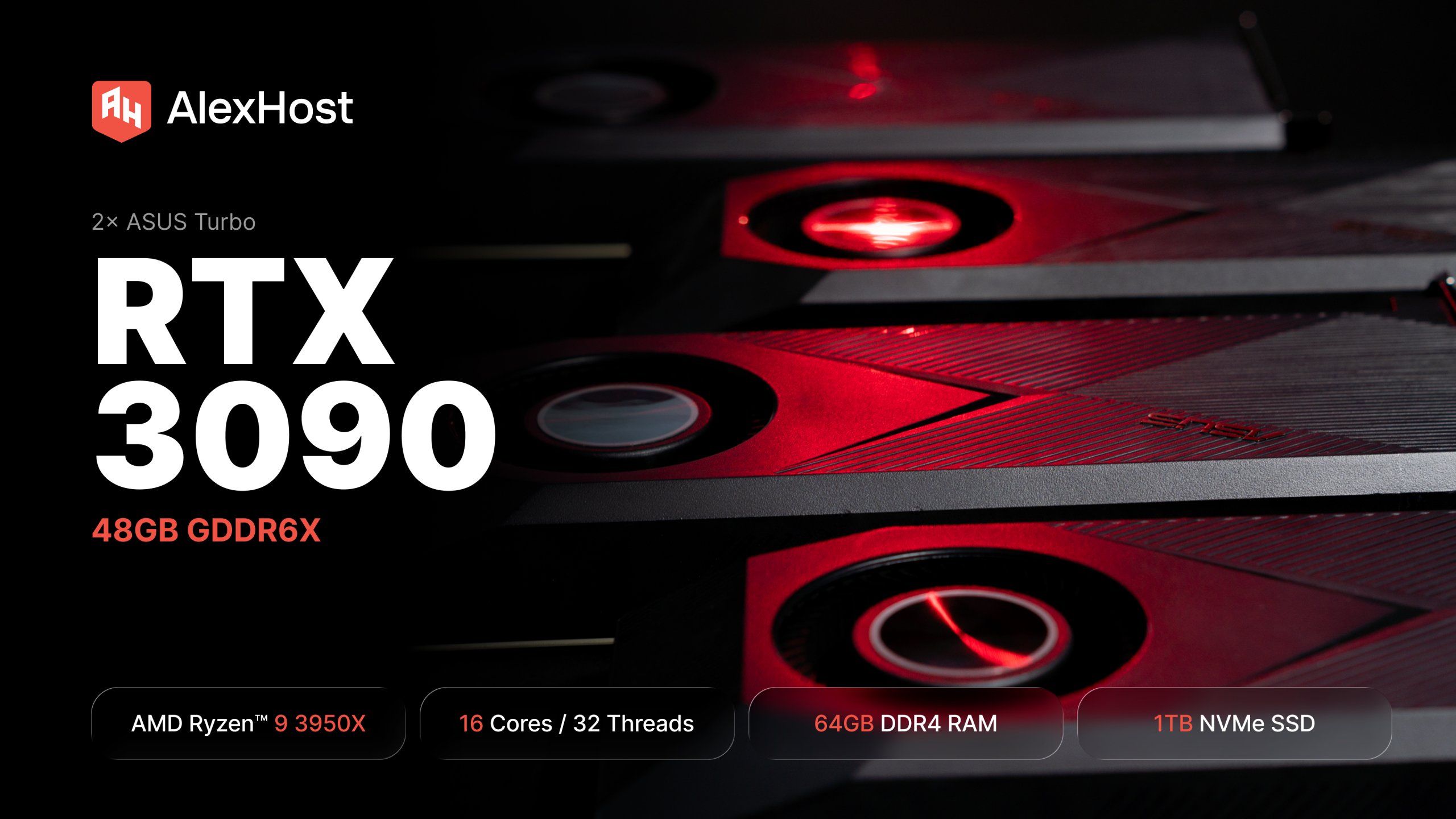
AlexHost just added a dual RTX 3090 dedicated GPU server. 48GB of GDDR6X, a 16-core Ryzen 9, fixed monthly price. Built for teams running self-hosted LLMs in production — not experiments, not occasional inference, but always-on workloads that need to…

At AlexHost, we’re constantly listening to our clients and adapting our infrastructure to meet their growing needs. Today, we’re proud to announce a significant expansion of our dedicated server offering in Bulgaria — a step that strengthens our presence in…
An Apple M1 server is a remotely hosted, bare-metal Mac machine powered by Apple's first-generation ARM-based SoC, giving developers and teams access to a genuine macOS environment — including the full Apple toolchain, Secure Enclave, and Unified Memory Architecture —…

SEO has never been more demanding. Between endless keyword research cycles, technical audits, backlink monitoring, and performance reporting, even experienced digital marketers can find themselves buried in repetitive, time-consuming tasks. The solution isn't working harder — it's working smarter through…

Redis is a high-performance, open-source, in-memory data structure store widely used as a key-value database, cache, and message broker. Among its most powerful — yet often underutilized — features are the scan commands, which allow you to incrementally iterate through…
When discussing recommended software solutions for working with a dedicated remote desktop server, several popular products may come to mind: Remote Desktop Services, TeamViewer, Zabbix, Ansible, Citrix Virtual Apps, cPanel, Plesk, AnyDesk, Nagios, and many others. The choice of specific software largely depends on the nature of your project, budget constraints, and individual preferences and requirements.
Regarding the volume of traffic provided by remote desktop server hosting, it's worth noting that this parameter can vary and directly depends on a range of factors, including the server's workload intensity, the client's business format, and the services and applications used. For office tasks, the traffic volume generally amounts to about 1-5GB per day per user. For media content viewing, this can range from a few dozen megabytes to several tens of gigabytes per hour. When interacting with complex graphic applications, it can reach up to 5-20GB per day.
AlexHost offers all its clients ordering the dedicated remote desktop server hosting option the opportunity to integrate it with other services and cloud solutions. This often includes cloud-based databases, cloud file services, and networking solutions. Before initiating the integration process, it's essential to analyze the technical requirements of both the server and the cloud solutions you wish to work with.
Fast setup. No long-term contracts