 Русский
  Română
  Deutsch
  Français
  Türkçe
  Español
  Português
  Українська
  български
  Polski
  Indonesia
  中文 (中国)












































































































U1
-
 1 vCores
 -
 DDR4 1.5 GB
 -
 10 GB NVMe
 -
 Shared 100 Mbps
 Open Ticket
  +373 79 600002 info@alexhost.com
  Telegram Live Chat Telegram Official
  F.A.Q
F.A.Q  English






























NVMe SSD, full root access, dedicated IPv4, and up to 1 Gbps. Choose a plan and deploy in minutes.


 1 vCores DDR4 1.5 GB 10 GB NVMe Shared 100 Mbps 2 vCores DDR4 4 GB 40 GB NVMe Shared 100 Mbps 2 vCores DDR4 4 GB 40 GB NVMe Shared 1 Gbps 2 vCores DDR4 4 GB 40 GB NVMe Shared 1 Gbps 2 vCores DDR4 4 GB 40 GB NVMe Shared 1 Gbps 2 vCores DDR4 4 GB 40 GB NVMe Shared 1 Gbps 2 vCores DDR4 4 GB 40 GB NVMe Shared 1 Gbps 2 vCores DDR4 4 GB 40 GB NVMe Shared 1 Gbps 2 vCores DDR4 4 GB 40 GB NVMe Shared 1 Gbps 4 vCores DDR4 8 GB 80 GB NVMe Shared 100 Mbps 4 vCores DDR4 8 GB 80 GB NVMe Shared 1 Gbps 4 vCores DDR4 8 GB 80 GB NVMe Shared 1 Gbps 4 vCores DDR4 8 GB 80 GB NVMe Shared 1 Gbps 4 vCores DDR4 8 GB 80 GB NVMe Shared 1 Gbps 4 vCores DDR4 8 GB 80 GB NVMe Shared 1 Gbps 4 vCores DDR4 8 GB 80 GB NVMe Shared 1 Gbps 4 vCores DDR4 8 GB 80 GB NVMe Shared 1 Gbps
 No plans in this price range.
The TeamSpeak 3 server is a unique software that allows you to easily create and subsequently manage voice chat servers for network communication. A reliable provider like AlexHost offers you the option to rent a private TeamSpeak 3 server at competitive rates. This is part of the TeamSpeak platform, which provides a range of advanced tools and solutions for high-quality and stable real-time voice communication. You can use this product for business purposes, gaming communities, and various other fields to organize:
Today, there is a wide range of fields where TS 3 hosting serves as an essential structural element. Let’s take a closer look at them:
Are you planning to rent a TeamSpeak 3 server? Then you should definitely familiarize yourself with the advantages of this product. These include:
With the support of a reputable provider, you can rent or buy a TeamSpeak 3 server at the best market price right now. Ensure that the offered product is perfect for those who value stable, high-quality, and customizable real-time voice communication.
When you decide to rent TeamSpeak 3 hosting with AlexHost, you will experience the full range of its advantages and powerful functionalities. For example, this service ensures the stability of voice communication within your work or gaming group, as well as high server availability. AlexHost boasts robust technical capabilities, providing 24/7 server uptime with minimal downtime. As a result, your server will be available to users wishing to connect at any time, day or night.
Secondly, renting such a server product guarantees resistance to heavy loads. This is possible due to AlexHost’s use of powerful, state-of-the-art equipment, which ensures stable performance even under significant loads (a crucial factor for large companies and communities).
Thirdly, the ability to customize the TeamSpeak 3 server through AlexHost engineers saves you from needing advanced technical knowledge. By partnering with AlexHost, you’ll be provided with convenient templates and easy-to-use control panels, ensuring time savings and, overall, simplifying the process of working with TeamSpeak 3 and its tools.
You open two tabs because you need one of two very normal things: safer browsing on public Wi‑Fi, or a server for a website, app, or self-hosted tool. Then the internet hands you two nearly identical acronyms — VPN and…

AlexHost introduces a major enhancement to its hosting ecosystem with the launch of a new VPS series built on the Intel Platinum 8268 platform. This release delivers a substantial leap in stability, processing power, and enterprise-grade performance — ideal for…
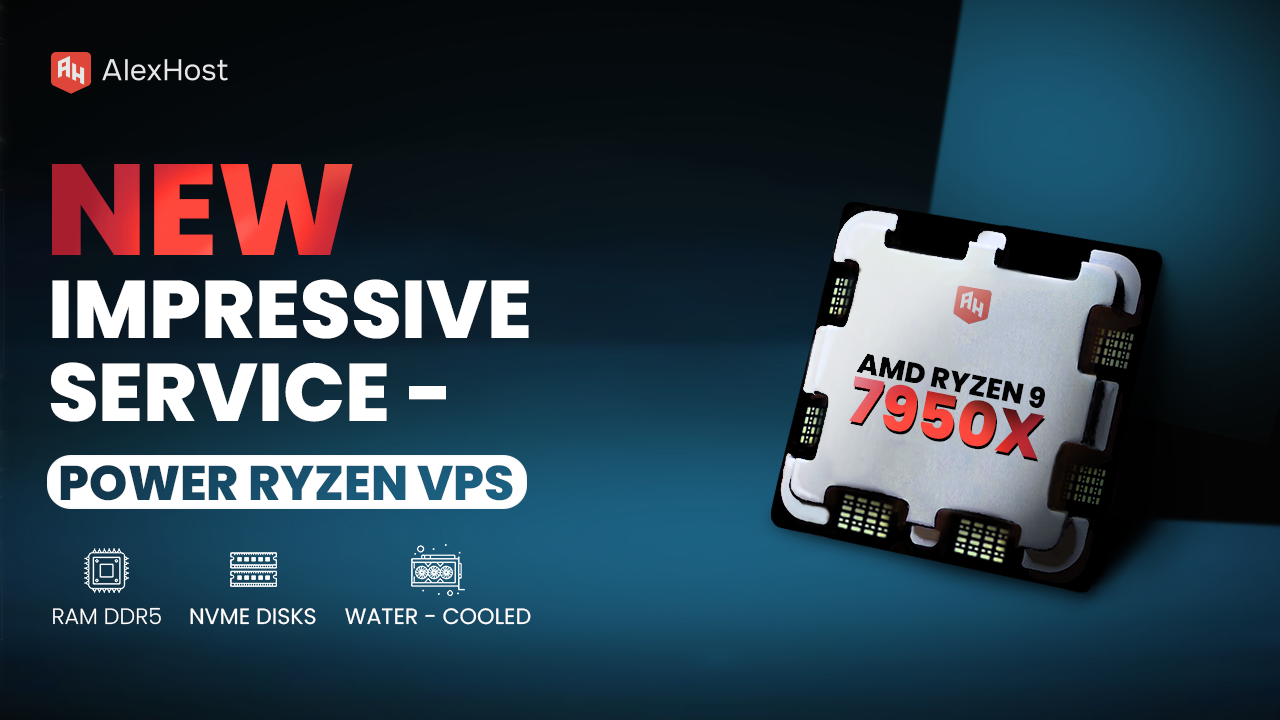
Ready to meet the growing needs of its customers, AlexHost is pleased to announce the launch of its new Ryzen VPS service, an essential tool designed to handle the complexities of modern business projects, regardless of their size or scale.…
Reverse DNS (rDNS) records, also known as PTR records, are essential components of the Domain Name System (DNS) that map an IP address back to a domain name. This process is the opposite of the traditional DNS lookup, which maps…
IPv4 vs IPv6 usually stops feeling abstract the moment you compare a VPS or dedicated server plan and notice something odd: IPv6 is available, sometimes in generous amounts, while IPv4 may be limited, optional, or priced separately. That little pricing…

Kernel-based Virtual Machine (KVM) is a full virtualization solution built directly into the Linux kernel as a loadable module. It transforms the Linux kernel itself into a Type-1 (bare-metal) hypervisor by leveraging CPU hardware extensions — Intel VT-x or AMD-V…
Compared to standard voice chats, TeamSpeak 3 server offers a high level of security, extensive functionality, scalability options, a flexible system for configuring user permissions, low latency, and security (data encryption).
You’ll be pleased to know that TeamSpeak 3 server hosting requires relatively modest system resources and can run stably on most modern PCs. If you want to rent a small TeamSpeak 3 server, a single-core processor and 512 MB of RAM will suffice. It also supports macOS, Windows, and Linux.
To ensure the security of data on a private TeamSpeak 3 server, AlexHost engineers implement several solutions and tactics. These include voice traffic encryption, setting passwords on channels, and access management options (role and permission distribution system).
Fast setup. No long-term contracts