Русский
  Română
  Deutsch
  Français
  Türkçe
  Español
  Português
  Українська
  български
  Polski
  Indonesia
  中文 (中国)











































































































AMD®
RYZEN® 9 5950X
-
 16 Cores 32 Threads
 -
 DDR4 128 GB
 -
 2 x 2TB NVMe
 Open Ticket
  +373 79 600002 info@alexhost.com
  Telegram Live Chat Telegram Official
  F.A.Q
F.A.Q  English




























 Dedicated IPv4
 Full Root Access
 HDD / SSD / NVMe
 1 Gbps Speed
 IPv6 Support
 30-Day Refund
 Verified Company


AMD®
16 Cores 32 Threads DDR4 128 GB 2 x 2TB NVMe 2x Intel® Xeon®
28 Cores 56 Threads DDR4 64 GB ECC 1TB SSD Intel® Xeon®
 12 Cores 24 Threads DDR4 8/ SSD or NVMe
 2x Intel® Xeon®
12 Cores 24 Threads DDR4 32/ SSD 2x Intel® Xeon®
36 Cores 72 Threads DDR4 32/ SSD 2x Intel® Xeon®
36 Cores 72 Threads DDR4 32/ SSD 2x Intel® Xeon®
28 Cores 56 Threads DDR4 64/ SSD Intel® Core™
12 Cores 24 Threads DDR4 8/ M2 NVMe, M2 SSD or SATA HDD 2x Intel® Xeon®
40 Cores 80 Threads DDR4 64/ SSD 2x Intel® Xeon®
40 Cores 80 Threads DDR4 64/ SSD 48 Cores 96 Threads DDR4 256 GB 4 TB NVMe 48 Cores 96 Threads DDR4 256 GB 4 TB NVMe Intel® Pentium™
2 Cores 2 Threads DDR3 4/ SSD or SATA HDD Intel® Core™
2 Cores 4 Threads DDR3 4/ SSD or SATA HDD Intel® Core™
4 Cores 4 Threads DDR3 4/ SSD or SATA HDD Intel® Xeon®
6 Cores 12 Threads DDR3 4/ SSD or SATA HDD Intel® Core™
4 Cores 8 Threads DDR3 4/ SSD or SATA HDD No plans in this price range.

Fedora features a specialized operating system, complemented with opened code and Linux core. The Fedora’s exploitation is completely free, like the majority of similar distributions. The AlexHost offers beneficial Fedora server rent with the possibility of all of the mentioned OS advantages’ using (pleasant, intuitive interface, powerful potential, an abundance of conceptually new software developments). Therefore, if you are interested in inexpensive rental of a physical Fedora server, please, contact AlexHost managers for advice. The Fedora’s community concept includes stable and highly useful distribution creation, accessible for everybody and offering a set of unique functional possibilities. If you also need the Fedora hosting server rent we propose to get acquainted with the offered OS’ technical features and strong traits.
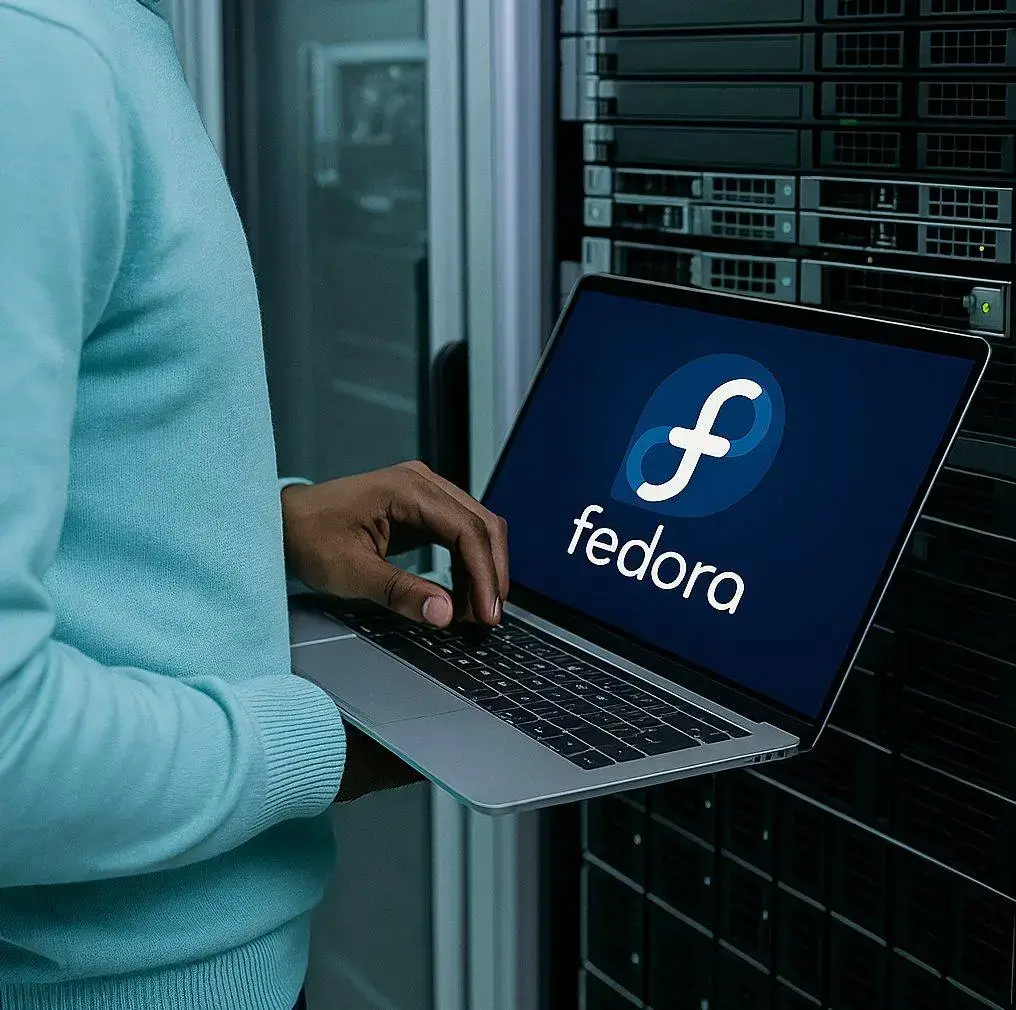
Renting a Fedora server will be the best solution in view of the frequent release of new, improved versions of the distribution. Fedora, unlike other operating systems, is characterized by a fairly short life cycle. Each of the subsequent versions is supported for approximately 12 months. Subsequently, after the release of the next two versions, its maintenance stops. The transition to the updated version of the software is possible from any previous one. But before the transition procedure, users need to ensure sufficient free disk space (the annual amount of updates downloaded is about 1.5 GB).
If you are interested in the Fedora dedicated server, rent it from the AlexHost. Nowadays the Fedora OS suggests users 3 basic variations:
Thus, using any of the above versions of such an operating system, renting a Fedora server will definitely suit you. In addition to these three versions, which are considered basic, Fedora offers users a lot of other products. Mostly, any user has the right to individually configure the system according to the requirements of his web project and personal wishes. Each of the subsequent editions is quickly written to a USB-drive, and subsequently applied at the stage of transfer to the internal memory structure.

The AlexHost offers beneficial and rather flexible conditions for the Fedora dedicated server rent. All our clients may get acquainted with the whole price list visiting the website or during the dialogue with a manager. Why so many users, interested in the Fedora server rent, feel no regret of their choice? Server rent, including the Fedora OS, allows to:
Fedora OS rent features a demanded service for all the websites’ owners, especially built on the mentioned OS base. What are the fundamental Fedora’s advantages? Why more users prefer this distribution? Fedora offers:
If you are also interested in a Fedora based server, rent it from the AlexHost provider. We offer various tariff plans, according to your wishes and needs of a particular online business project. How much does it cost to rent Fedora hosting servers at AlexHost? The proposed service’s price tag directly depends on the duration of the service life (billing period), which you agree in advance with the manager. In other words, the longer the rental period, the cheaper the hosting will cost you.
We remind you that Fedora dedicated server rental is provided by the AlexHost provider on the most flexible and loyal terms. Even after paying for the dedicated server of your choice, there is a 30-day money-back guarantee. Renting a dedicated Fedora server guarantees the provision of all clients with dedicated IP addresses, full root access, protection against DDos attacks, and 24/7 top-level technical support.
The Fedora Dedicated Server, a sought-after service provided by the reliable AlexHost hosting partner, ensures a heightened level of security for your hosting needs. Renting this solution guarantees top-notch security through a dedicated operating system, implementing a comprehensive set of measures and best practices:
AlexHost emphasizes that ensuring the overall security of a dedicated server with Fedora demands an integrated approach, encompassing both technical and organizational measures. This commitment to security underscores the dedication to providing a robust and secure hosting environment for clients.

Spring has arrived, and so has one of AlexHost's best seasonal offers. This Easter, we're rolling out two deals worth celebrating: a sitewide discount code and a limited-edition dedicated server configuration at a price that won't last long.
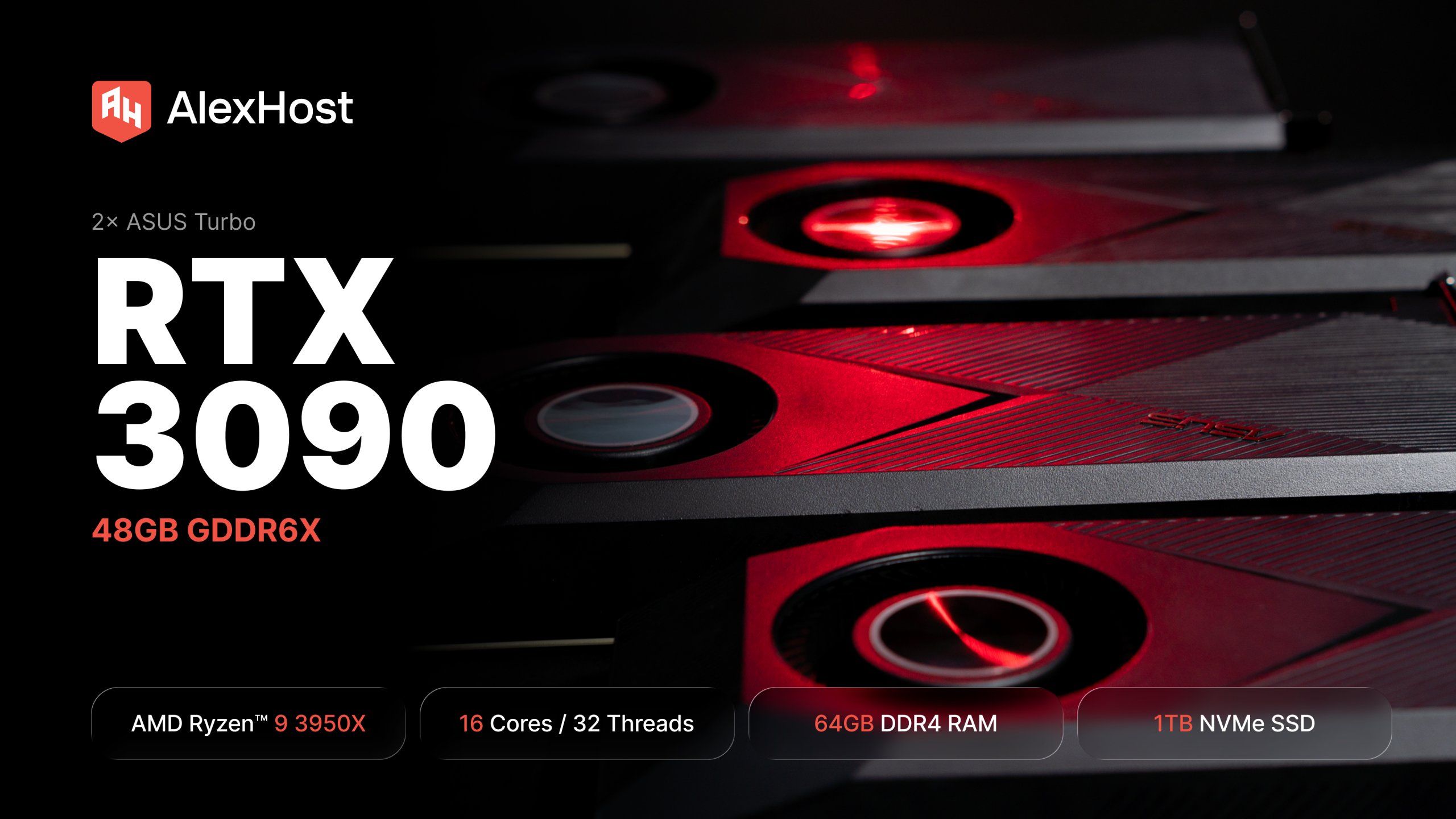
AlexHost just added a dual RTX 3090 dedicated GPU server. 48GB of GDDR6X, a 16-core Ryzen 9, fixed monthly price. Built for teams running self-hosted LLMs in production — not experiments, not occasional inference, but always-on workloads that need to…

At AlexHost, we’re constantly listening to our clients and adapting our infrastructure to meet their growing needs. Today, we’re proud to announce a significant expansion of our dedicated server offering in Bulgaria — a step that strengthens our presence in…

Marketing automation is the practice of using software to execute, manage, and optimize repetitive marketing tasks without manual intervention — triggering actions based on user behavior, time schedules, or data conditions. Done correctly, it compresses weeks of manual work into…

Cryptocurrency mining has evolved from a hobbyist activity into a highly competitive, resource-intensive industry. While it is technically possible to mine coins from a personal computer, the scale and complexity of modern blockchain networks demand far greater computational power than…
This is a single-CPU server, but you can still install a custom ISO through the KVM interface. The flow here is simpler than on Dell or HP systems: choose the ISO in CD Image, start the virtual media, then reboot.
A dedicated server for the Fedora operating system is a server on which the Fedora operating system is installed and which is completely dedicated to one client. This means that resources such as CPU, memory, and disk space are not used by other clients, and the client has full control over the server.
We have several types of dedicated servers available for the Fedora operating system, including physical dedicated servers and virtual dedicated servers.
Using dedicated servers for the Fedora operating system provides a number of benefits, such as increased performance and reliability, a high degree of security, complete control over the server, and customization flexibility.
When choosing a suitable dedicated server for Fedora operating system, you need to consider factors such as required resources (processor, memory, disk space), type of server (physical or virtual), cost and level of support.
Setting up a dedicated server for the Fedora operating system may include installing the operating system, setting up networking, and setting up security. This may require certain knowledge and skills, so AlexHost.com specialists will help you with this.
Installing and handing over a dedicated server under Fedora OS to a client, in a standard operating mode, takes no more than 1-2 hours of working time. But the company's regulations state that the installation of the server takes no more than 24 hours from the moment the payment is confirmed by our billing system.
Yes, you have full control over all the rights of your dedicated server.
Fast setup. No long-term contracts