 Русский
  Română
  Deutsch
  Français
  Türkçe
  Español
  Português
  Українська
  български
  Polski
  Indonesia
  中文 (中国)
















































































































U2
-
 2 vCores
 -
 DDR4 4 GB
 -
 40 GB NVMe
 -
 Shared 100 Mbps
 Open Ticket
  +373 79 600002 info@alexhost.com
  Telegram Live Chat Telegram Official
  F.A.Q
F.A.Q  English


























NVMe SSD, full root access, dedicated IPv4, and up to 1 Gbps. Choose a plan and deploy in minutes.


 2 vCores DDR4 4 GB 40 GB NVMe Shared 100 Mbps 2 vCores DDR4 4 GB 40 GB NVMe Shared 1 Gbps 2 vCores DDR4 4 GB 40 GB NVMe Shared 1 Gbps 2 vCores DDR4 4 GB 40 GB NVMe Shared 1 Gbps 2 vCores DDR4 4 GB 40 GB NVMe Shared 1 Gbps 2 vCores DDR4 4 GB 40 GB NVMe Shared 1 Gbps 2 vCores DDR4 4 GB 40 GB NVMe Shared 1 Gbps 2 vCores DDR4 4 GB 40 GB NVMe Shared 1 Gbps 4 vCores DDR4 8 GB 80 GB NVMe Shared 100 Mbps 4 vCores DDR4 8 GB 80 GB NVMe Shared 1 Gbps 4 vCores DDR4 8 GB 80 GB NVMe Shared 1 Gbps 4 vCores DDR4 8 GB 80 GB NVMe Shared 1 Gbps 4 vCores DDR4 8 GB 80 GB NVMe Shared 1 Gbps 4 vCores DDR4 8 GB 80 GB NVMe Shared 1 Gbps 4 vCores DDR4 8 GB 80 GB NVMe Shared 1 Gbps 4 vCores DDR4 8 GB 80 GB NVMe Shared 1 Gbps
 No plans in this price range.
The Windows 10 Terminal Server is a valuable feature of the modern Windows 10 operating system, designed to facilitate remote connections for users. It enables individuals to connect to a remote server and perform various tasks while running applications seamlessly. This functionality is particularly advantageous for enterprises seeking to grant access to data and web applications for their employees, within the company’s local network or via the Internet. Furthermore, businesses often deploy this server solution to create a centralized platform for accessing data and web applications, enhancing the overall efficiency of remote work environments.
At AlexHost, our Windows 10 Terminal Server takes remote working to the next level by providing users with a dedicated environment and a versatile infrastructure. This tailored setup ensures that remote work is not only efficient but also secure, making it an ideal choice for businesses looking to optimize their operations in an increasingly digital world.
RDP server, offered by AlexHost, utilizes the Remote Desktop Protocol, a proprietary technology developed by Microsoft. This protocol serves as a powerful tool for establishing remote connections to PCs or servers across a network. With the RDP server, clients gain the ability to seamlessly control a remote PC, essentially replicating the experience of being physically present at the machine. In essence, RDP is a cutting-edge technology that simplifies the process of granting remote access to your desktop.
In summary, an RDP terminal server is a specialized server configuration with an integrated RDP server component. It enables remote connections using an RDP client application, facilitating efficient work with remote servers or PCs. AlexHost’s RDP server leverages this technology to provide a secure and reliable solution for remote access, ensuring that you can manage your systems with ease, regardless of your location.
The Windows 10 Terminal Server, supported by AlexHost, boasts several key features:
Administering a Windows 10 terminal server with the skilled AlexHost team support introduces a range of new opportunities for security, configuration, control, and resource management in addition to remote connections. The list of possibilities includes:
AlexHost’s Windows 10 Terminal Server Administration offers robust tools for effectively managing and monitoring all facets of the server. This ensures enhanced security, optimized performance, and flexibility for both users and administrators.
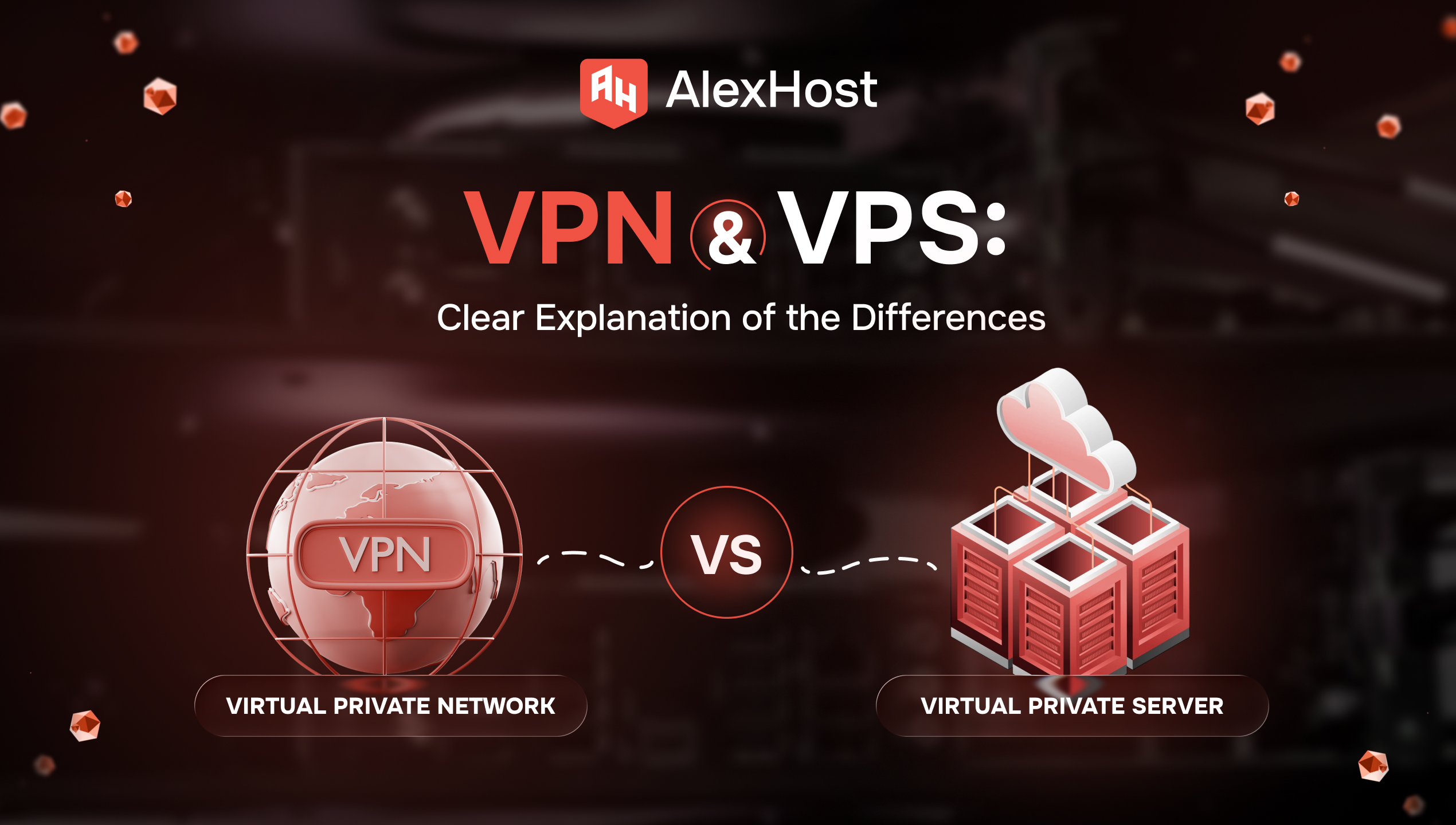
You open two tabs because you need one of two very normal things: safer browsing on public Wi‑Fi, or a server for a website, app, or self-hosted tool. Then the internet hands you two nearly identical acronyms — VPN and…

AlexHost introduces a major enhancement to its hosting ecosystem with the launch of a new VPS series built on the Intel Platinum 8268 platform. This release delivers a substantial leap in stability, processing power, and enterprise-grade performance — ideal for…
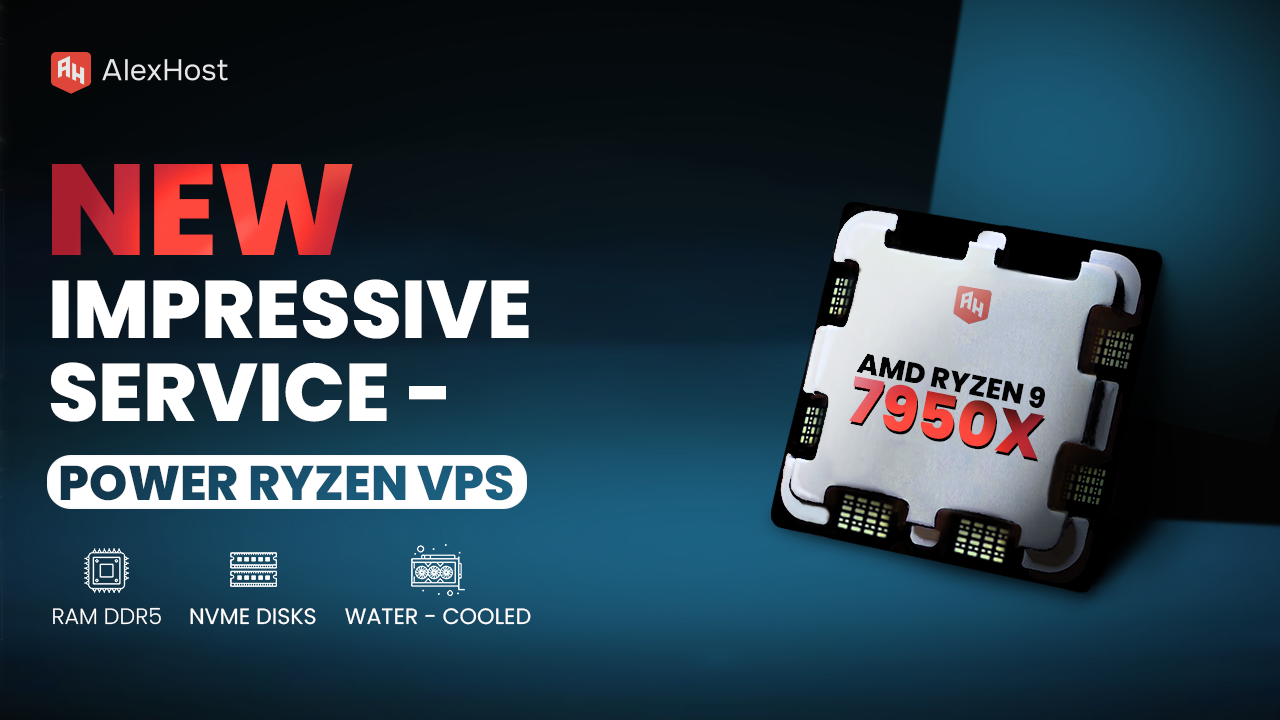
Ready to meet the growing needs of its customers, AlexHost is pleased to announce the launch of its new Ryzen VPS service, an essential tool designed to handle the complexities of modern business projects, regardless of their size or scale.…
Ensuring that critical services start automatically when your server reboots is one of the most fundamental responsibilities of any Linux systems administrator. Whether you're running a web application, a database engine, or a custom daemon on a VPS Hosting environment,…

Automation is no longer a luxury — it's a necessity. Whether you're managing servers, building web applications, or processing large datasets, scripts are the backbone of modern computing workflows. In this comprehensive guide, we'll break down exactly what a script…

Linux file permissions are one of the most fundamental — and most misunderstood — aspects of system administration. Whether you're managing a production web server, deploying applications, or writing automation scripts, a solid grasp of the Linux permission model is…
The Windows 10 RDP (Remote Desktop Protocol) server is a powerful tool that enables users to establish rapid connections with remote PCs or servers over a network. This feature provides the unique capability to operate on remote computers as though you were physically present, bridging the gap between local and remote computing environments.
Utilizing an RDP (Remote Desktop Protocol) server in Windows 10 offers several significant benefits, including streamlined centralized management, concurrent multi-user access, convenient remote connectivity to web applications and server resources, seamless interaction with remote applications, and robust data security measures.
To set up the RDP (Remote Desktop Protocol) server on Windows, navigate to the system settings section, then choose "Remote system settings." Enable remote access and ensure the proper configuration of access permissions for designated users. Using these settings, you can effectively utilize the RDP client to establish a successful connection to the server, facilitating remote access and management.
To guarantee a robust security posture for your RDP (Remote Desktop Protocol) server and safeguard its data, it is advisable to implement several key practices. First and foremost, employ complex and secure passwords, and consider implementing two-factor authentication for an extra layer of protection. Regular system updates should be routine to patch vulnerabilities and enhance security. Additionally, adhering to fundamental firewall rules is essential. For added security measures, AlexHost experts strongly advocate the use of VPNs (Virtual Private Networks) or dedicated network tunnels. These solutions provide an additional level of protection, ensuring the utmost security for your RDP server and its data.
AlexHost, as a service provider, extends a variety of software options for clients to seamlessly connect to RDP (Remote Desktop Protocol) servers. This diverse selection includes such applications as Microsoft Remote Desktop (for macOS), Remote Desktop Connection (for Windows), and Microsoft Remote Desktop (for Android and iOS mobile devices). These solutions cater to different platforms, ensuring users have access to convenient and efficient RDP connectivity across a range of devices.
Fast setup. No long-term contracts