 Русский
  Română
  Deutsch
  Français
  Türkçe
  Español
  Português
  Українська
  български
  Polski
  Indonesia
  中文 (中国)

















































































































U1
-
 1 vCores
 -
 DDR4 1.5 GB
 -
 10 GB NVMe
 -
 Shared 100 Mbps
 Open Ticket
  +373 79 600002 info@alexhost.com
  Telegram Live Chat Telegram Official
  F.A.Q
F.A.Q  English


























NVMe VPS with full root access, dedicated IPv4, and up to 1 Gbps. Run your Telegram bot 24/7 with Python, Node.js, or PHP — deploy in minutes.


 1 vCores DDR4 1.5 GB 10 GB NVMe Shared 100 Mbps 1 vCores DDR4 1.5 GB 10 GB NVMe 100 Мбит/с 1 vCores DDR4 1.5 GB 10 Go NVMe 100 Мбит/с 1 vCores DDR4 1.5 GB 10 GB NVMe Shared 100 Mbps 1 vCores DDR4 1.5 GB 10 Go NVMe Shared 1 Gbps 1 vCores DDR4 1.5 GB 10 GB NVMe Shared 100 Mbps 1 vCores DDR4 1.5 GB 10 GB NVMe Shared 100 Mbps 1 vCores DDR4 1.5 GB 10 GB NVMe Shared 100 Mbps 2 vCores DDR4 4 GB 40 GB NVMe Shared 100 Mbps 2 vCores DDR4 4 GB 40 GB NVMe Shared 1 Gbps 2 vCores DDR4 4 GB 40 GB NVMe Shared 1 Gbps 2 vCores DDR4 4 GB 40 GB NVMe Shared 1 Gbps 2 vCores DDR4 4 GB 40 GB NVMe Shared 1 Gbps 2 vCores DDR4 4 GB 40 GB NVMe Shared 1 Gbps 2 vCores DDR4 4 GB 40 GB NVMe Shared 1 Gbps 2 vCores DDR4 4 GB 40 GB NVMe Shared 1 Gbps 4 vCores DDR4 8 GB 80 GB NVMe Shared 100 Mbps 4 vCores DDR4 8 GB 80 GB NVMe Shared 1 Gbps 4 vCores DDR4 8 GB 80 GB NVMe Shared 1 Gbps 4 vCores DDR4 8 GB 80 GB NVMe Shared 1 Gbps 4 vCores DDR4 8 GB 80 GB NVMe Shared 1 Gbps 4 vCores DDR4 8 GB 80 GB NVMe Shared 1 Gbps 4 vCores DDR4 8 GB 80 GB NVMe Shared 1 Gbps 4 vCores DDR4 8 GB 80 GB NVMe Shared 1 Gbps
 No plans in this price range.
Hosting for a Telegram bot is an essential service offered by the reputable hosting provider AlexHost. This service is in consistently high demand due to its ability to ensure the Telegram bot’s optimal performance and uninterrupted availability. With AlexHost’s hosting service, you can rely on 100% uptime, as well as a stable and high-quality operation for your Telegram bot.
Hosting for a Telegram bot with the support of the expert AlexHost team offers several clear advantages that can enhance and streamline interactions with your bot. Here are the strengths of this service:
When selecting hosting for a Telegram bot, experts advise taking following factors into consideration:
When selecting hosting for your Telegram bot, it is advisable to read user reviews and carefully evaluate your options to choose the best aligning with your needs and budget.
As a trusted hosting provider, AlexHost offers diverse tariff plans for renting hosting specifically tailored for Telegram Bots. To ensure the stable operation and setup of Telegram Bots on our hosting, we provide a range of options and services:
Our objective at AlexHost is to deliver comprehensive and effective support for the successful launch and sustained operation of Telegram Bots on our hosting platform. We are committed to ensuring a seamless and successful experience for our clients utilizing Telegram Bots.
You open two tabs because you need one of two very normal things: safer browsing on public Wi‑Fi, or a server for a website, app, or self-hosted tool. Then the internet hands you two nearly identical acronyms — VPN and…

AlexHost introduces a major enhancement to its hosting ecosystem with the launch of a new VPS series built on the Intel Platinum 8268 platform. This release delivers a substantial leap in stability, processing power, and enterprise-grade performance — ideal for…
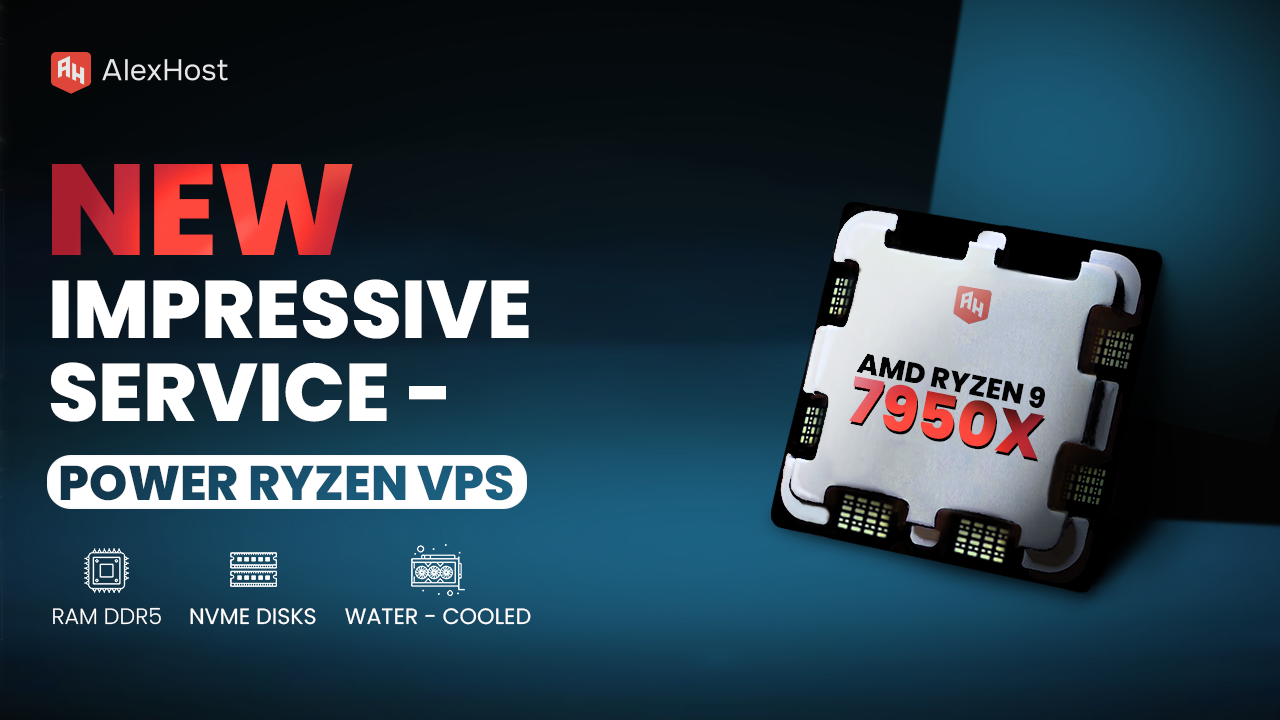
Ready to meet the growing needs of its customers, AlexHost is pleased to announce the launch of its new Ryzen VPS service, an essential tool designed to handle the complexities of modern business projects, regardless of their size or scale.…
Configuring network settings in VirtualBox is one of the most critical steps in building a functional virtualization environment. Whether you need your virtual machines (VMs) to access the internet, communicate with each other, or remain isolated for testing purposes, VirtualBox…

The WordPress login page displays the default WordPress logo by default — a generic branding element that has no place on a professional or client-facing site. Replacing it with your own logo takes under five minutes and requires no deep…

Whether you need urgent technical support, have a billing question, or want to escalate a troubleshooting issue, knowing exactly how to reach your hosting provider by email can save you significant time and frustration. This comprehensive guide walks you through…
Choosing a hosting service for a Telegram bot depends on the user’s specific requirements and the technical specifications of the project. Generally, the ideal hosting for a Telegram bot should offer features such as high performance, compatibility with the latest version of the Telegram API, continuous availability, consistent stability, and reliability.
To maintain a strong security posture for a hosted Telegram bot, it is essential to focus on several key aspects. These include keeping the system up to date through regular updates, restricting access to sensitive data, leveraging security monitoring capabilities, using up-to-date SSL certificates, and implementing protection measures against unauthorized access. It is worth noting that the AlexHost provider incorporates all of these measures comprehensively to ensure that its customers receive the highest level of hosting security for their Telegram bots.
The physical location of servers can indeed affect network latency and your bot’s response speed, influencing how quickly it reacts to user requests. For optimal performance and responsiveness, it is advisable to choose hosting with servers located as close as possible to your target audience. This proximity minimizes data transmission delays and ensures a smoother user experience.
Fast setup. No long-term contracts