 Русский
  Română
  Deutsch
  Français
  Türkçe
  Español
  Português
  Українська
  български
  Polski
  Indonesia
  中文 (中国)












































































































U2
-
 2 vCores
 -
 DDR4 4 GB
 -
 40 GB NVMe
 -
 Shared 100 Mbps
 Open Ticket
  +373 79 600002 info@alexhost.com
  Telegram Live Chat Telegram Official
  F.A.Q
F.A.Q  English






























NVMe SSD, full root access, dedicated IPv4, and up to 1 Gbps. Choose a plan and deploy in minutes.


 2 vCores DDR4 4 GB 40 GB NVMe Shared 100 Mbps 2 vCores DDR4 4 GB 40 GB NVMe Shared 1 Gbps 2 vCores DDR4 4 GB 40 GB NVMe Shared 1 Gbps 2 vCores DDR4 4 GB 40 GB NVMe Shared 1 Gbps 2 vCores DDR4 4 GB 40 GB NVMe Shared 1 Gbps 2 vCores DDR4 4 GB 40 GB NVMe Shared 1 Gbps 2 vCores DDR4 4 GB 40 GB NVMe Shared 1 Gbps 2 vCores DDR4 4 GB 40 GB NVMe Shared 1 Gbps 4 vCores DDR4 8 GB 80 GB NVMe Shared 100 Mbps 4 vCores DDR4 8 GB 80 GB NVMe Shared 1 Gbps 4 vCores DDR4 8 GB 80 GB NVMe Shared 1 Gbps 4 vCores DDR4 8 GB 80 GB NVMe Shared 1 Gbps 4 vCores DDR4 8 GB 80 GB NVMe Shared 1 Gbps 4 vCores DDR4 8 GB 80 GB NVMe Shared 1 Gbps 4 vCores DDR4 8 GB 80 GB NVMe Shared 1 Gbps 4 vCores DDR4 8 GB 80 GB NVMe Shared 1 Gbps
 No plans in this price range.
In a simplistic understanding of this term, a VPS server refers to a separate personal computer with a preinstalled Windows Server operating system. This PC is not equipped with a monitor and is located remotely from the end user, often even in another country. Thus, VPS Windows Forex is simplified as a kind of cloud computer. By gaining individual access to it, you can perform almost all the actions as on a regular home PC. At the same time, the range of functions and tools is much more diverse. That is why nowadays, more and more knowledgeable traders, keeping up with the times, prefer VPS Forex Windows.
AlexHost is your trusted partner in the world of enhanced hosting services. You can turn to these knowledgeable specialists at any convenient time and order a server specifically for exchange. Once you have chosen your service provider, traders install VPS Windows Forex for one or several trading terminals. This could be, for example, MetaTrader versions 4 or 5, according to your preference. The virtual server provided ensures an excellent level of user protection against any force majeure events, including:
Even if you end your current remote session, Windows VPS Forex trading will continue to maintain stable operation of MetaTrader terminals and advisors. In this case, trades will be closed, and new positions will be opened instantly in fully automatic mode, without the need for trader support or adjustments. You will simply monitor the steady increase in fixed profit and track the growth of the initial deposit.
Renting VPS Forex Windows, of course, requires certain investments. They depend directly on the chosen tariff, namely, on the specific parameters of the virtual PC. Usually, they are strictly proportional to the number of functioning advisors and terminals. Agree, when operating VPS Forex Windows, such investments can be fully justified only in the case of truly dynamic algorithmic exchange. If you previously traded manually, we strongly recommend seeking assistance from cheap Forex VPS Windows, which provides access to a world of new and improved automated trading approaches in Forex.
Services providing resources on dedicated servers located in data centers, known as cheap Forex VPS Windows, are offered by numerous companies. However, AlexHost stands out among them. Why? Because for traders who require virtual private servers (VPS) with a Windows operating system installed to load and run the MetaTrader platform, most hosting companies offer Linux. Unlike Windows, Linux is distributed under a free license and is typically used by webmasters and application developers.
However, AlexHost recognizes that traders need Windows-compatible servers and therefore offers suitable VPS with the Microsoft Server operating system. When choosing VPS parameters, traders are advised to pay attention to newer versions of Windows Server and increased RAM capacity. Considering the resource consumption levels of MetaTrader 4 and 5, which are the most common terminals in the Forex market, traders do not always need to select multiple CPU processors and significant amounts of RAM. Instead, it is recommended to focus on optimal parameters that meet their needs and budget. AlexHost aims to provide its clients with precisely such Windows VPS Forex trading solutions that meet their requirements, ensuring reliability, performance, and ease of use.
When choosing Windows VPS for Forex trading and a specific VPS provider for exchange, it is important to pay attention to specialized parameters tailored to the needs of traders. Many companies offer pre-configured setups optimized for the requirements of the financial market. For example, on the AlexHost website, optimal characteristics of virtual servers and the recommended number of trading terminals are presented. However, it is worth considering that these values may be inflated for marketing purposes, and it is recommended to reduce them by 30% to obtain a more realistic assessment.
On other hosting platforms, users will have to configure the virtual server themselves. For example, when cooperating with AlexHost, traders using quantitative strategies and working with robots can get a dedicated server that provides them with the necessary performance and stability.
You open two tabs because you need one of two very normal things: safer browsing on public Wi‑Fi, or a server for a website, app, or self-hosted tool. Then the internet hands you two nearly identical acronyms — VPN and…

AlexHost introduces a major enhancement to its hosting ecosystem with the launch of a new VPS series built on the Intel Platinum 8268 platform. This release delivers a substantial leap in stability, processing power, and enterprise-grade performance — ideal for…
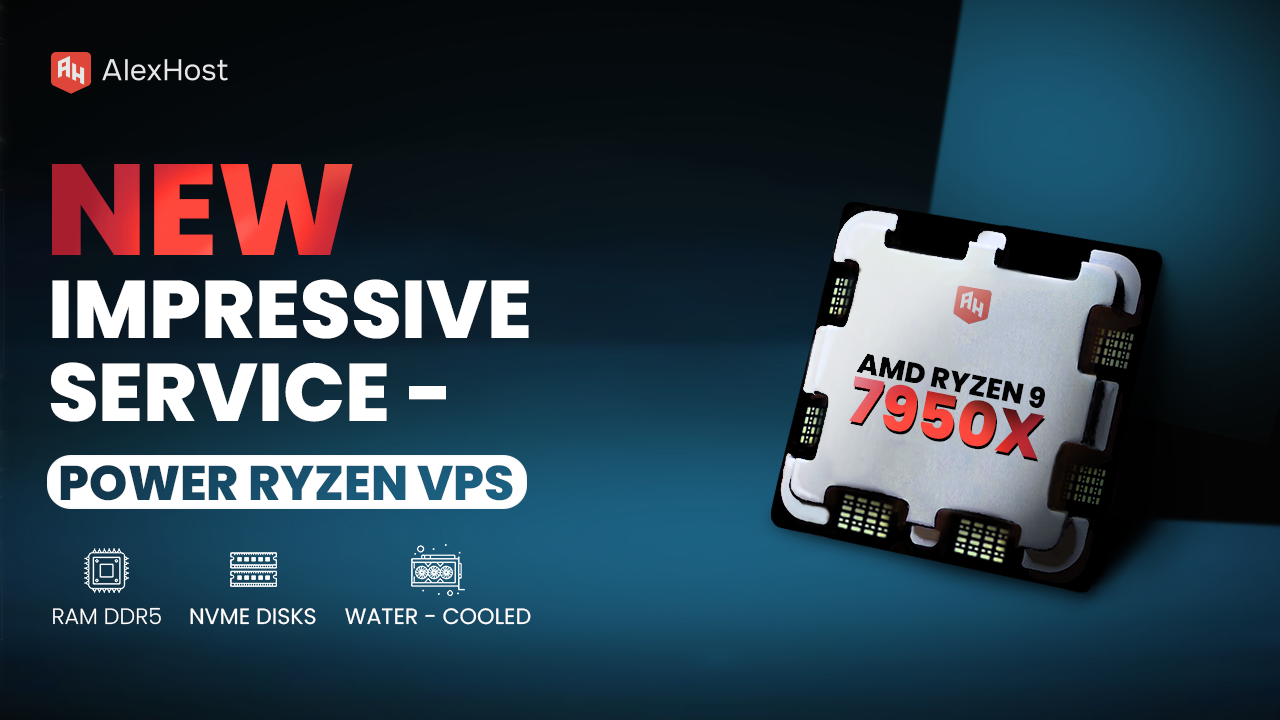
Ready to meet the growing needs of its customers, AlexHost is pleased to announce the launch of its new Ryzen VPS service, an essential tool designed to handle the complexities of modern business projects, regardless of their size or scale.…
Git is a distributed version control system that stores project history as a directed acyclic graph (DAG) of immutable snapshot objects. Every Git repository is built from three logical zones — the working directory, the staging index, and the object…
Learning to code in 2025 means navigating a crowded market of platforms, each with a distinct pedagogical model, technology stack, and target audience. The best coding learning programs combine interactive exercises, real project deployment, and structured curricula — but the…
Running Windows 7 in 2024 might sound counterintuitive, but for IT professionals, developers, and system administrators, it remains a practical necessity. Whether you need to support legacy enterprise software, test application compatibility, or maintain a controlled development environment, a preconfigured…
By utilizing the full technical potential and tools of a Windows VPS server for Forex platforms, you obtain an ideal environment for installing and running trading robots. In a secure space, your exchange strategies will yield long-awaited results, while you can comfortably monitor the market situation remotely. Additionally, such a solution offers unlimited access to a remote desktop, making working with MetaTrader and other platforms even more convenient and straightforward.
When selecting such a product, it is important not only to trust a proven, stable provider of VPS services but also to responsibly consider the choice of server parameters. Always evaluate its geolocation (minimizing transaction processing delays), available memory capacity, server performance, and quality of operation.
Several modern hosting providers may offer various additional services, including the installation of unique software, server monitoring (ensuring continuous operation), data storage, and technical protection (24/7). Consult with attentive managers at AlexHost to obtain comprehensive information about additional options included in different types of tariffs.
Fast setup. No long-term contracts