 Русский
  Română
  Deutsch
  Français
  Türkçe
  Español
  Português
  Українська
  български
  Polski
  Indonesia
  中文 (中国)












































































































U2
-
 2 vCores
 -
 DDR4 4 GB
 -
 40 GB NVMe
 -
 Shared 100 Mbps
 Open Ticket
  +373 79 600002 info@alexhost.com
  Telegram Live Chat Telegram Official
  F.A.Q
F.A.Q  English






























NVMe SSD, full root access, dedicated IPv4, and up to 1 Gbps. Choose a plan and deploy in minutes.


 2 vCores DDR4 4 GB 40 GB NVMe Shared 100 Mbps 2 vCores DDR4 4 GB 40 GB NVMe Shared 1 Gbps 2 vCores DDR4 4 GB 40 GB NVMe Shared 1 Gbps 2 vCores DDR4 4 GB 40 GB NVMe Shared 1 Gbps 2 vCores DDR4 4 GB 40 GB NVMe Shared 1 Gbps 2 vCores DDR4 4 GB 40 GB NVMe Shared 1 Gbps 2 vCores DDR4 4 GB 40 GB NVMe Shared 1 Gbps 2 vCores DDR4 4 GB 40 GB NVMe Shared 1 Gbps 4 vCores DDR4 8 GB 80 GB NVMe Shared 100 Mbps 4 vCores DDR4 8 GB 80 GB NVMe Shared 1 Gbps 4 vCores DDR4 8 GB 80 GB NVMe Shared 1 Gbps 4 vCores DDR4 8 GB 80 GB NVMe Shared 1 Gbps 4 vCores DDR4 8 GB 80 GB NVMe Shared 1 Gbps 4 vCores DDR4 8 GB 80 GB NVMe Shared 1 Gbps 4 vCores DDR4 8 GB 80 GB NVMe Shared 1 Gbps 4 vCores DDR4 8 GB 80 GB NVMe Shared 1 Gbps
 No plans in this price range.
Windows 11 VPS is a dedicated virtual server structured in a standard cluster with an installed license. Usually it is immediately included in the cost of renting a VPS on Windows 11. Innovative virtualization solutions provide a number of guarantees to users:
Affordable Windows 11 VPS, backed by experienced hosting provider AlexHost, makes it easy to manage dedicated resources and tools in a familiar Windows shell. You will also be granted administrator rights (to the extent according to the type of server you have chosen – managed or unmanaged).
VPS Windows 11 comes to the rescue in situations where a regular physical server is not able to cope with high loads and specific customer requests. Also, it is not always possible to accurately calculate the optimal number of workstations, or to buy expensive server equipment (which later also needs maintenance). In this case, it is most optimal to contact AlexHost specialists and rent a VPS with Windows 11. In this situation, you get maximum protection from the human factor, which is not excluded in any enterprise. So, VPS Windows 11 will not:
In such a VPS with Windows 11, you can quickly restrict access, or even turn off the server. Simple bundle presence – a regular laptop and a Windows 11 VPS server allows you to create a full-fledged workplace with a lot of opportunities and a high level of security. This type of VPS is considered a virtual server that allows you to configure easily and finely:
With the comprehensive support of the AlexHost provider, you can rent Windows 11 VPS hosting at the best price. The AlexHost team guarantees adequate prices for different tariff plans, high performance of server solutions, their stable and uninterrupted operation, 24/7 availability and impeccable technical support.
Any owner of a VPS with Windows 11 gets comprehensive access to resources that enable high-quality and efficient interaction with all the functionality of the embedded software. During the operation of the Windows 11 VPS server, AlexHost clients are endowed with a range of features that improve many performance indicators. These are:
Using VPS hosting, you can implement server control and enjoy all the benefits of standard physical systems. By renting a Windows 11 VPS server through AlexHost, you are guaranteed to get a high-performance server product at an affordable price.
All virtual resources are different and have both pluses and minuses. Nevertheless, VPS hosting, in particular, based on Windows 11, is characterized as optimal solutions in terms of price, quality and efficiency. Most of today’s websites have already switched to virtual solutions, practical and incredibly convenient.
Order a Windows 11 VPS hosting rental service directly on the AlexHost provider’s website. Specialists will help you choose the server solution that is optimal in terms of power and other technical parameters and install a VPS in just 1 click. The option to connect via a separate VNC client or classic RDP is also available. Apply online or call the AlexHost manager for advice and assistance in choosing the best Windows. When ordering this option, you get:
You open two tabs because you need one of two very normal things: safer browsing on public Wi‑Fi, or a server for a website, app, or self-hosted tool. Then the internet hands you two nearly identical acronyms — VPN and…

AlexHost introduces a major enhancement to its hosting ecosystem with the launch of a new VPS series built on the Intel Platinum 8268 platform. This release delivers a substantial leap in stability, processing power, and enterprise-grade performance — ideal for…
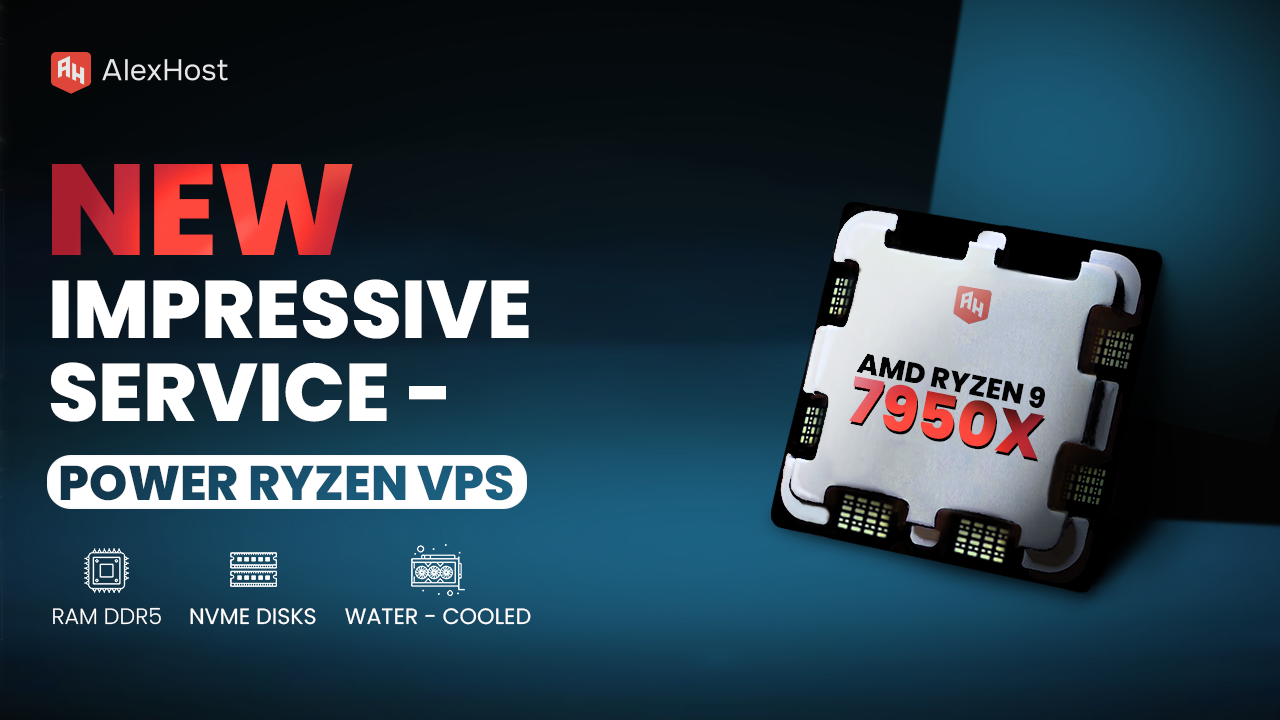
Ready to meet the growing needs of its customers, AlexHost is pleased to announce the launch of its new Ryzen VPS service, an essential tool designed to handle the complexities of modern business projects, regardless of their size or scale.…

Whether you're a seasoned Linux administrator or just getting started with Ubuntu, understanding the available graphical user interfaces (GUIs) can dramatically improve your productivity and overall experience. Ubuntu is one of the most popular Linux distributions in the world —…
Chromebooks were originally engineered as lean, browser-centric devices built on top of ChromeOS. For years, that simplicity was both their greatest strength and their most significant limitation. Today, however, the story is very different. Google has steadily expanded ChromeOS capabilities,…

Yellowdog Updater, Modified (YUM) is a robust package management utility in RPM-based Linux distributions, such as CentOS, Fedora, and RHEL (Red Hat Enterprise Linux). YUM simplifies the installation, updating, and removal of software packages. This guide delves into key YUM…
If you notice an active growth in your web resource’s traffic, you should consider switching to a Windows 11 VPS server. Similarly, it is worth planning such a solution in situations where standard hosting does not provide adequate performance and does not allow high-quality interaction with the increased project’s needs and expended resources.
What criteria should be guided by when choosing a VPS for Windows 11? Pay attention to the server configuration. It determines the site’s speed and degree of performance, guarantees its stability. Also such parameters as disk and RAM amount, the total processor power are also important. It is meaningful to get acquainted with the reviews about the quality of services and reliability of the hosting provider with which you plan to cooperate. AlexHost in this regard is a stable and responsible server rental service provider that you can definitely rely on.
Applying to AlexHost in order to rent a VPS for Windows 11, you can count on getting a reliable and 100% practical server solution. It is noteworthy that the server received for temporary use can be individually configured according to the needs of your digital project. The AlexHost team, in turn, guarantees comprehensive 24/7 technical support and an individual approach to each client. Also among the advantages of server rental through AlexHost is an affordable, affordable price tag, full access to the use of a physical server, a 100% safe environment for fruitful work.
Can a cheap Windows 11 VPS be effective? Of course, in general, the price of a server product directly depends on its settings. Also, pricing is directly affected by the specific amount of RAM and the number of processor cores. Consult with AlexHost experts to find out what factors make up the price of the server solution you want to rent.
Fast setup. No long-term contracts