 Русский
  Română
  Deutsch
  Français
  Türkçe
  Español
  Português
  Українська
  български
  Polski
  Indonesia
  中文 (中国)












































































































U1
-
 1 vCores
 -
 DDR4 1.5 GB
 -
 10 GB NVMe
 -
 Shared 100 Mbps
 Open Ticket
  +373 79 600002 info@alexhost.com
  Telegram Live Chat Telegram Official
  F.A.Q
F.A.Q  English






























NVMe SSD, full root access, dedicated IPv4, and up to 1 Gbps. Choose a plan and deploy in minutes.


 1 vCores DDR4 1.5 GB 10 GB NVMe Shared 100 Mbps 1 vCores DDR4 1.5 GB 10 GB NVMe 100 Мбит/с 1 vCores DDR4 1.5 GB 10 Go NVMe 100 Мбит/с 1 vCores DDR4 1.5 GB 10 GB NVMe Shared 100 Mbps 1 vCores DDR4 1.5 GB 10 Go NVMe Shared 1 Gbps 1 vCores DDR4 1.5 GB 10 GB NVMe Shared 100 Mbps 1 vCores DDR4 1.5 GB 10 GB NVMe Shared 100 Mbps 1 vCores DDR4 1.5 GB 10 GB NVMe Shared 100 Mbps 2 vCores DDR4 4 GB 40 GB NVMe Shared 100 Mbps 2 vCores DDR4 4 GB 40 GB NVMe Shared 1 Gbps 2 vCores DDR4 4 GB 40 GB NVMe Shared 1 Gbps 2 vCores DDR4 4 GB 40 GB NVMe Shared 1 Gbps 2 vCores DDR4 4 GB 40 GB NVMe Shared 1 Gbps 2 vCores DDR4 4 GB 40 GB NVMe Shared 1 Gbps 2 vCores DDR4 4 GB 40 GB NVMe Shared 1 Gbps 2 vCores DDR4 4 GB 40 GB NVMe Shared 1 Gbps 4 vCores DDR4 8 GB 80 GB NVMe Shared 100 Mbps 4 vCores DDR4 8 GB 80 GB NVMe Shared 1 Gbps 4 vCores DDR4 8 GB 80 GB NVMe Shared 1 Gbps 4 vCores DDR4 8 GB 80 GB NVMe Shared 1 Gbps 4 vCores DDR4 8 GB 80 GB NVMe Shared 1 Gbps 4 vCores DDR4 8 GB 80 GB NVMe Shared 1 Gbps 4 vCores DDR4 8 GB 80 GB NVMe Shared 1 Gbps 4 vCores DDR4 8 GB 80 GB NVMe Shared 1 Gbps
 No plans in this price range.
TeamSpeak 2 server is a true find for users seeking optimal solutions for real-time voice communication. The high demand for TeamSpeak 2 server hosting today is primarily seen among gaming communities and professional business organizations (for live communication between employees in real-time). If you are also a leader of a group project that requires regular communication among employees, you can turn to the AlexHost team and rent TeamSpeak 2 hosting at a great price, gaining access to a multifunctional tool for creating and easily configuring personal voice servers. These can be used for both business tasks and precise coordination in team-based online games. By partnering with AlexHost, you are guaranteed to receive the best server product with assurances of flawless connection quality and stability.
TS 2 hosting has a number of specific technical features, including:
To gain full access to the capabilities and tools of such a solution, you should ensure to rent a TeamSpeak 2 server through a reliable and reputable provider. For instance, AlexHost can provide you with the convenience, high speed, and stability of the TeamSpeak server.
If you want to buy a TeamSpeak 2 server and gain access to a stable and secure tool for team communication, pay attention to the following parameters:
You open two tabs because you need one of two very normal things: safer browsing on public Wi‑Fi, or a server for a website, app, or self-hosted tool. Then the internet hands you two nearly identical acronyms — VPN and…
AlexHost introduces a major enhancement to its hosting ecosystem with the launch of a new VPS series built on the Intel Platinum 8268 platform. This release delivers a substantial leap in stability, processing power, and enterprise-grade performance — ideal for…
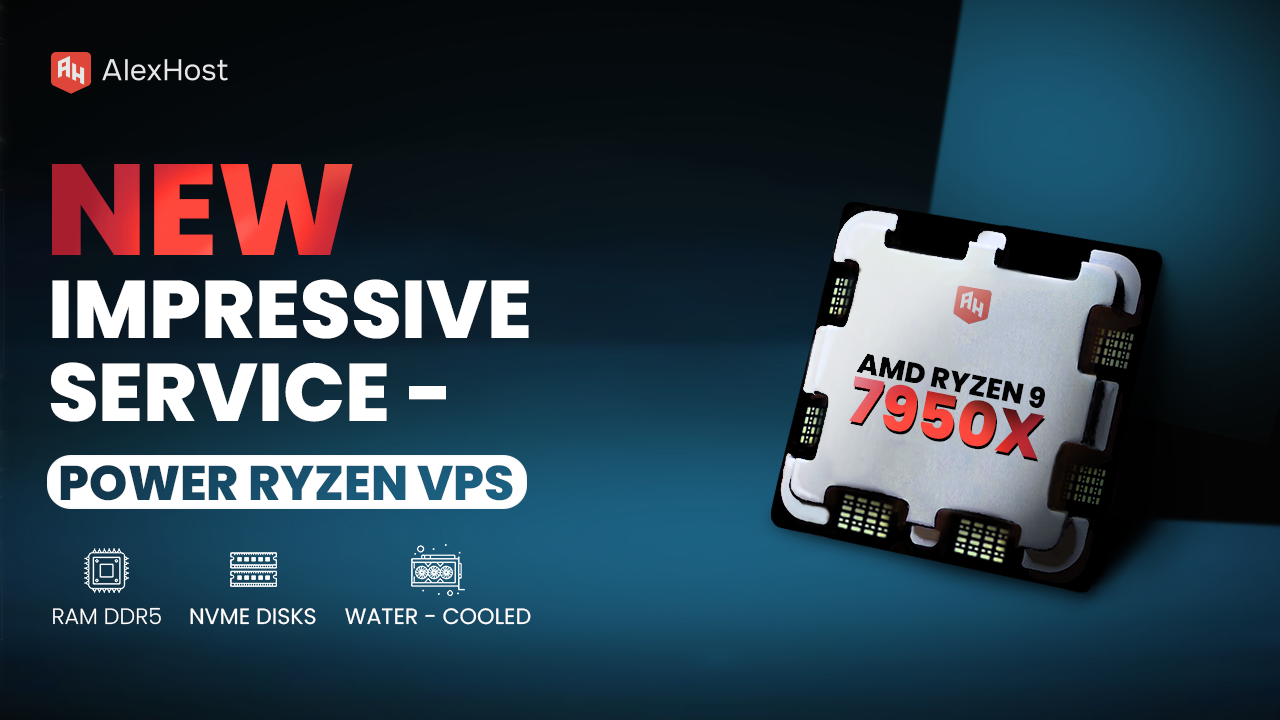
Ready to meet the growing needs of its customers, AlexHost is pleased to announce the launch of its new Ryzen VPS service, an essential tool designed to handle the complexities of modern business projects, regardless of their size or scale.…

When developing applications with Laravel, one of the most common bottlenecks in the testing workflow is generating meaningful, realistic data. Laravel factories are classes that define a blueprint for creating Eloquent model instances, using the Faker PHP library to produce…
VPS activation time typically ranges from a few minutes to several hours, depending on the provider, payment confirmation speed, selected operating system, and any custom configuration options. At AlexHost, automated provisioning completes within 30 minutes of confirmed payment — often…
A WordPress Post ID is a unique, auto-incrementing integer stored in the wp_posts database table that permanently identifies every piece of content in a WordPress installation — including posts, pages, custom post types, attachments, revisions, and navigation menu items. It…
TeamSpeak 2 server hosting is a solution that provides you access to a personal remote server. This is an indispensable product for creating a voice platform for communication between colleagues, gamers, friends, or members of any thematic community. Regardless of the connection point, such a server ensures high availability and stability.
Before renting a TeamSpeak 2 server, it’s important to determine the number of users who will be able to access the platform simultaneously. This parameter depends on the specific hosting package. You can choose any plan, offering anywhere from 10 to 500 slots (users), depending on the needs of your project.
To protect a private TeamSpeak 2 server, the provider AlexHost uses reliable integrated DDoS protection. Always make sure that the server product you rent includes protection tools against viruses and hacker attacks. This way, your server platform for voice calls will always be available and securely protected from any targeted attacks by malicious individuals.
Fast setup. No long-term contracts