 Русский
  Română
  Deutsch
  Français
  Türkçe
  Español
  Português
  Українська
  български
  Polski
  Indonesia
  中文 (中国)
















































































































U2
-
 2 vCores
 -
 DDR4 4 GB
 -
 40 GB NVMe
 -
 Shared 100 Mbps
 Open Ticket
  +373 79 600002 info@alexhost.com
  Telegram Live Chat Telegram Official
  F.A.Q
F.A.Q  English


























NVMe SSD, full root access, dedicated IPv4, and up to 1 Gbps. Choose a plan and deploy in minutes.


 2 vCores DDR4 4 GB 40 GB NVMe Shared 100 Mbps 2 vCores DDR4 4 GB 40 GB NVMe Shared 1 Gbps 2 vCores DDR4 4 GB 40 GB NVMe Shared 1 Gbps 2 vCores DDR4 4 GB 40 GB NVMe Shared 1 Gbps 2 vCores DDR4 4 GB 40 GB NVMe Shared 1 Gbps 2 vCores DDR4 4 GB 40 GB NVMe Shared 1 Gbps 2 vCores DDR4 4 GB 40 GB NVMe Shared 1 Gbps 2 vCores DDR4 4 GB 40 GB NVMe Shared 1 Gbps 4 vCores DDR4 8 GB 80 GB NVMe Shared 100 Mbps 4 vCores DDR4 8 GB 80 GB NVMe Shared 1 Gbps 4 vCores DDR4 8 GB 80 GB NVMe Shared 1 Gbps 4 vCores DDR4 8 GB 80 GB NVMe Shared 1 Gbps 4 vCores DDR4 8 GB 80 GB NVMe Shared 1 Gbps 4 vCores DDR4 8 GB 80 GB NVMe Shared 1 Gbps 4 vCores DDR4 8 GB 80 GB NVMe Shared 1 Gbps 4 vCores DDR4 8 GB 80 GB NVMe Shared 1 Gbps
 No plans in this price range.
Windows 10 VPS is a virtual server with a wide range of benefits similar to a standard server. In parallel with this, VPS with Windows 10 provides unlimited options for configuring operating systems, various services and related programs. AlexHost provider website offers to order an inexpensive Windows 10 VPS, guaranteeing individual consultations, assistance in best server solution choosing, and comprehensive 24/7 technical support later, during its setup and operation.
VPS Windows 10 is increasingly chosen due to the fact that this solution has a lot of obvious advantages:
When ordering a Windows 10 pro VPS rental service at AlexHost, you are guaranteed to receive comprehensive support from the technical support service. 24 hours a day and 7 days a week, our competent specialists are ready to help you sort out any issues related to the selection, configuration and use of Windows-based server solutions. Regardless of the type and cost of the chosen VPS on Windows 10, you get a stable and reliable server that can be customized according to your digital project’s needs and your own wishes.
Due to the constant web resources’ expansion and development, over time they need to be adapted to new platforms and software. AlexHost’s Windows 10 VPS hosting products are perfectly compatible with programming options like MySQL and PHP. Also, choosing a server on the Windows platform, you get the opportunity to work with a popular software product for web page design – Microsoft Front Page. If you are a developer with future plans for Microsoft Access use (database work), Windows hosting will be especially helpful and easy to use.
VPS Windows 10 is rightfully considered one of the most popular and frequently rented solutions from the entire line of server products available from AlexHost. This web host provides stable and smooth Windows OS operation. Each of this operating systems’ versions is distinguished by functionality and reliability, however, Windows 10 VPS server guarantees you:
The process of such server customizing is extremely simple, and its environment provides support for databases and popular programming languages, including MySQL, MS SQL, PHP, ASP.NET and .NET Core. It is possible to install a private ISO image of the operating system using the control panel (VMmanager 6). A striking advantage is the possibility of 30-days refund after the initial payment for the Windows 10 rental.
VPS with Windows 10 from the AlexHost provider allows you to solve a number of tasks, including:
Use the mentioned serer and deploy different types of servers, including mail, game, remote access, intended for terminals, multimedia streams. Likewise, such servers become the best solutions for directory and domain name services (DNS).
Often, Windows 10 VPS hosting becomes the basis for installing, configuring and operating 1C-Accounting or 1C-Enterprise. The fact is that these products operate mainly on the Windows OS basis, and also dictate rather stringent requirements for the CPU core power and frequency. When choosing the optimal server configuration (for example, VPS server Windows 10), AlexHost experts recommend taking into account both the projected server load and the approximate number of users who will visit your resource.
You open two tabs because you need one of two very normal things: safer browsing on public Wi‑Fi, or a server for a website, app, or self-hosted tool. Then the internet hands you two nearly identical acronyms — VPN and…

AlexHost introduces a major enhancement to its hosting ecosystem with the launch of a new VPS series built on the Intel Platinum 8268 platform. This release delivers a substantial leap in stability, processing power, and enterprise-grade performance — ideal for…
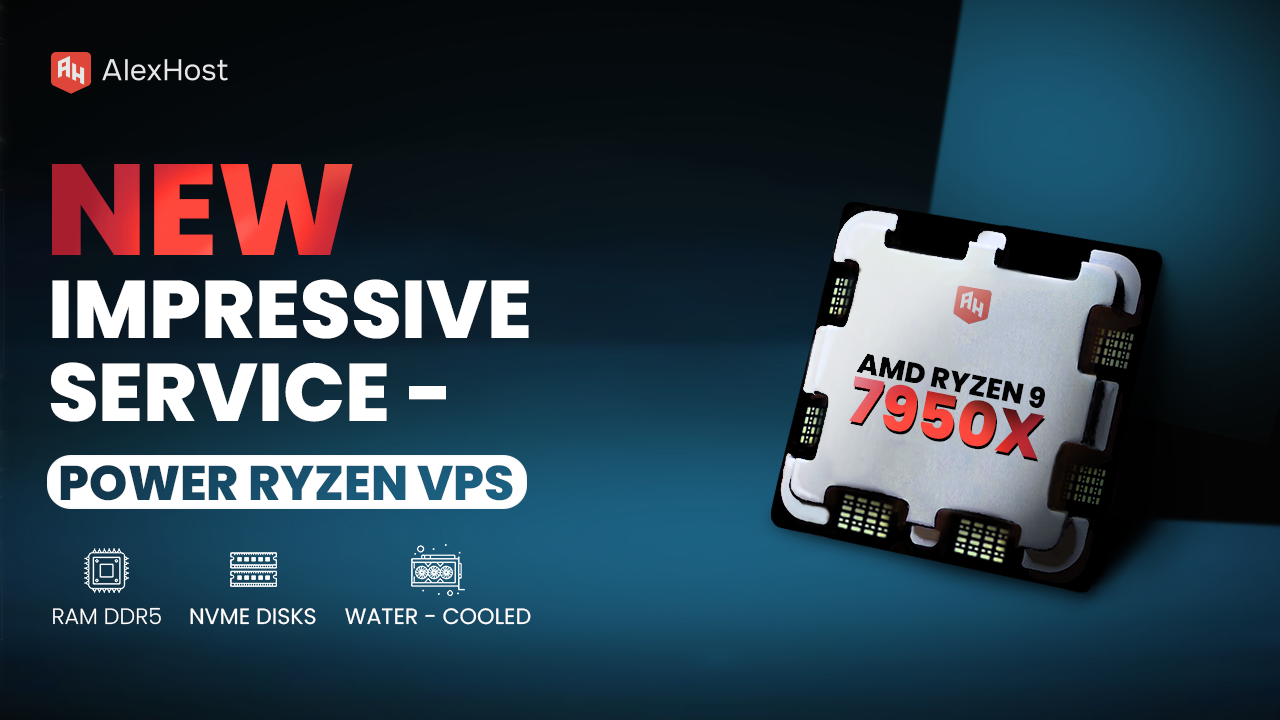
Ready to meet the growing needs of its customers, AlexHost is pleased to announce the launch of its new Ryzen VPS service, an essential tool designed to handle the complexities of modern business projects, regardless of their size or scale.…

Kernel-based Virtual Machine (KVM) is a full virtualization solution built directly into the Linux kernel as a loadable module. It transforms the Linux kernel itself into a Type-1 (bare-metal) hypervisor by leveraging CPU hardware extensions — Intel VT-x or AMD-V…

Google Chrome stores your entire browser identity — bookmarks, saved passwords, extensions, cookies, session data, and custom settings — inside a single profile directory on disk. Backing up that directory, or synchronizing it to a Google Account, gives you a…
Efficient database management is the backbone of any reliable web application. Whether you're performing routine backups, migrating data between servers, or setting up a new environment, knowing how to import and export MySQL databases is an essential skill for every…
Even budget Windows 10 VPS hosting solutions from AlexHost have a number of strengths and advantages. First of all, this is a high level of your data security, its protection from third parties, accidental hacks and hacker attacks. Secondly, the Windows server can serve as a reliable and stable platform for various projects, allows you to install and configure additional software, and is easy to configure and manage. AlexHost clients can choose from managed and unmanaged Windows 10 VPS servers at the best market rates. The main advantage of such a server lies in the ability to get a powerful PC for use, assisting to implement all types of personal and corporate projects.
You should prefer a Windows 10 VPS server due to the ability to work with the .NET Framework and ASP.NET, the ease of server’s usage, its scalability, and the sharing option as well. The fact of constant development and improvement of the family of the presented OS is also important. Windows server features, a priori, a high level of security (regular updates). If your project uses .NET or Visual Basic, you should also look into such a server product. Similarly, Windows VPS server is ideal for projects based on Visual Interdev. In a word, it is almost a universal solution.
To connect a VPS for Windows 10 as quickly and profitably as possible, you should seek advice from AlexHost specialists. It has competitive prices, a guarantee of high equipment performance and round-the-clock backing from technical support staff. After you choose the optimal server solution, place an order and pay for it, the AlexHost team promptly implements a full range of commissioning measures and launches the server, leasing it to you for an agreed period.
Ordering any service from AlexHost, including cheap Windows 10 VPS, you get impeccable service. So, you are given the option of free administration (round-the-clock support of AlexHost specialists, regardless of the tariff you choose). Also, you get unlimited traffic, which allows you to freely install any software you need for your project. The VPS Windows server from AlexHost is an instant start for your projects (the administrator takes responsibility for installation and configuration).
Fast setup. No long-term contracts