 Buka Tiket
  +373 79 600002
  Obrolan Langsung Telegram
  F.A.Q
F.A.Q  Indonesia
 English
  Русский
  Română
  Deutsch
  Français
  Türkçe
  Español
  Português
  Українська
  български
  中文 (中国)












































































































U2
-
 2 vCores
 -
 DDR4 4 GB
 -
 40 GB NVMe
 -
 Bersama 100 Mbps





























NVMe SSD, akses root penuh, IPv4 dedicated, hingga 1 Gbps. Pilih paket dan deploy dalam hitungan menit.


 2 vCores DDR4 4 GB 40 GB NVMe Bersama 100 Mbps 2 vCores DDR4 4 GB 40 Go NVMe Bersama 1 Gbps 2 vCores DDR4 4 GB 40 GB NVMe Bersama 1 Gbps 2 vCores DDR4 4 GB 40 GB NVMe Bersama 1 Gbps 2 vCores DDR4 4 GB 40 GB NVMe Bersama 1 Gbps 2 vCores DDR4 4 GB 40 GB NVMe Bersama 1 Gbps 2 vCores DDR4 4 GB 40 GB NVMe Bersama 1 Gbps 2 vCores DDR4 4 GB 40 GB NVMe Bersama 1 Gbps 4 vCores DDR4 8 GB 80 GB NVMe Bersama 100 Mbps 4 vCores DDR4 8 GB 80 ГБ NVMe Bersama 1 Gbps 4 vCores DDR4 8 GB 80 GB NVMe Bersama 1 Gbps 4 vCores DDR4 8 GB 80 GB NVMe Bersama 1 Gbps 4 vCores DDR4 8 GB 80 GB NVMe Bersama 1 Gbps 4 vCores DDR4 8 GB 80 GB NVMe Bersama 1 Gbps 4 vCores DDR4 8 GB 80 GB NVMe Bersama 1 Gbps 4 vCores DDR4 8 GB 80 GB NVMe Bersama 1 Gbps
 Tidak ada paket dalam kisaran harga ini.
Windows 11 VPS adalah server virtual khusus yang terstruktur dalam cluster standar dengan lisensi yang terinstal. Biasanya sudah termasuk dalam biaya sewa VPS di Windows 11. Solusi virtualisasi yang inovatif memberikan sejumlah jaminan kepada pengguna:
VPS Windows 11 yang terjangkau, didukung oleh penyedia hosting berpengalaman AlexHost, memudahkan untuk mengelola sumber daya dan alat khusus dalam cangkang Windows yang sudah dikenal. Anda juga akan diberikan hak administrator (sejauh sesuai dengan jenis peladen yang Anda pilih – terkelola atau tidak terkelola).
VPS Windows 11 datang untuk menyelamatkan dalam situasi di mana server fisik biasa tidak dapat mengatasi beban tinggi dan permintaan pelanggan tertentu. Selain itu, tidak selalu memungkinkan untuk menghitung secara akurat jumlah workstation yang optimal, atau membeli peralatan server yang mahal (yang nantinya juga membutuhkan perawatan). Dalam hal ini, paling optimal untuk menghubungi spesialis AlexHost dan menyewa VPS dengan Windows 11. Dalam situasi ini, Anda mendapatkan perlindungan maksimal dari faktor manusia, yang tidak dikecualikan di perusahaan mana pun. Jadi, VPS Windows 11 tidak akan:
Dalam VPS dengan Windows 11, Anda dapat dengan cepat membatasi akses, atau bahkan mematikan server. Kehadiran bundel sederhana – laptop biasa dan server VPS Windows 11 memungkinkan Anda membuat tempat kerja yang lengkap dengan banyak peluang dan tingkat keamanan yang tinggi. Jenis VPS ini dianggap sebagai server virtual yang memungkinkan Anda mengonfigurasi dengan mudah dan halus:
Dengan dukungan komprehensif dari penyedia AlexHost, Anda dapat menyewa hosting VPS Windows 11 dengan harga terbaik. Tim AlexHost menjamin harga yang memadai untuk berbagai paket tarif, kinerja tinggi solusi server, operasi yang stabil dan tanpa gangguan, ketersediaan 24/7, dan dukungan teknis yang sempurna.
Setiap pemilik VPS dengan Windows 11 mendapatkan akses komprehensif ke sumber daya yang memungkinkan interaksi berkualitas tinggi dan efisien dengan semua fungsionalitas perangkat lunak yang disematkan. Selama pengoperasian server VPS Windows 11, klien AlexHost diberkahi dengan berbagai fitur yang meningkatkan banyak indikator kinerja. Fitur-fitur tersebut adalah:
Dengan menggunakan VPS hosting, Anda dapat menerapkan kontrol server dan menikmati semua manfaat dari sistem fisik standar. Dengan menyewa server VPS Windows 11 melalui AlexHost, Anda dijamin akan mendapatkan produk server berkinerja tinggi dengan harga yang terjangkau.
Semua sumber daya virtual berbeda dan memiliki kelebihan dan kekurangan. Namun demikian, VPS hosting, khususnya, berbasis Windows 11, dicirikan sebagai solusi optimal dalam hal harga, kualitas, dan efisiensi. Sebagian besar situs web saat ini telah beralih ke solusi virtual, praktis dan sangat nyaman.
Pesan layanan sewa VPS hosting Windows 11 langsung di situs web penyedia AlexHost. Spesialis akan membantu Anda memilih solusi server yang optimal dalam hal daya dan parameter teknis lainnya serta menginstal VPS hanya dalam 1 klik. Opsi untuk terhubung melalui klien VNC terpisah atau RDP klasik juga tersedia. Ajukan permohonan secara online atau hubungi manajer AlexHost untuk mendapatkan saran dan bantuan dalam memilih Windows terbaik. Saat memesan opsi ini, Anda mendapatkan:
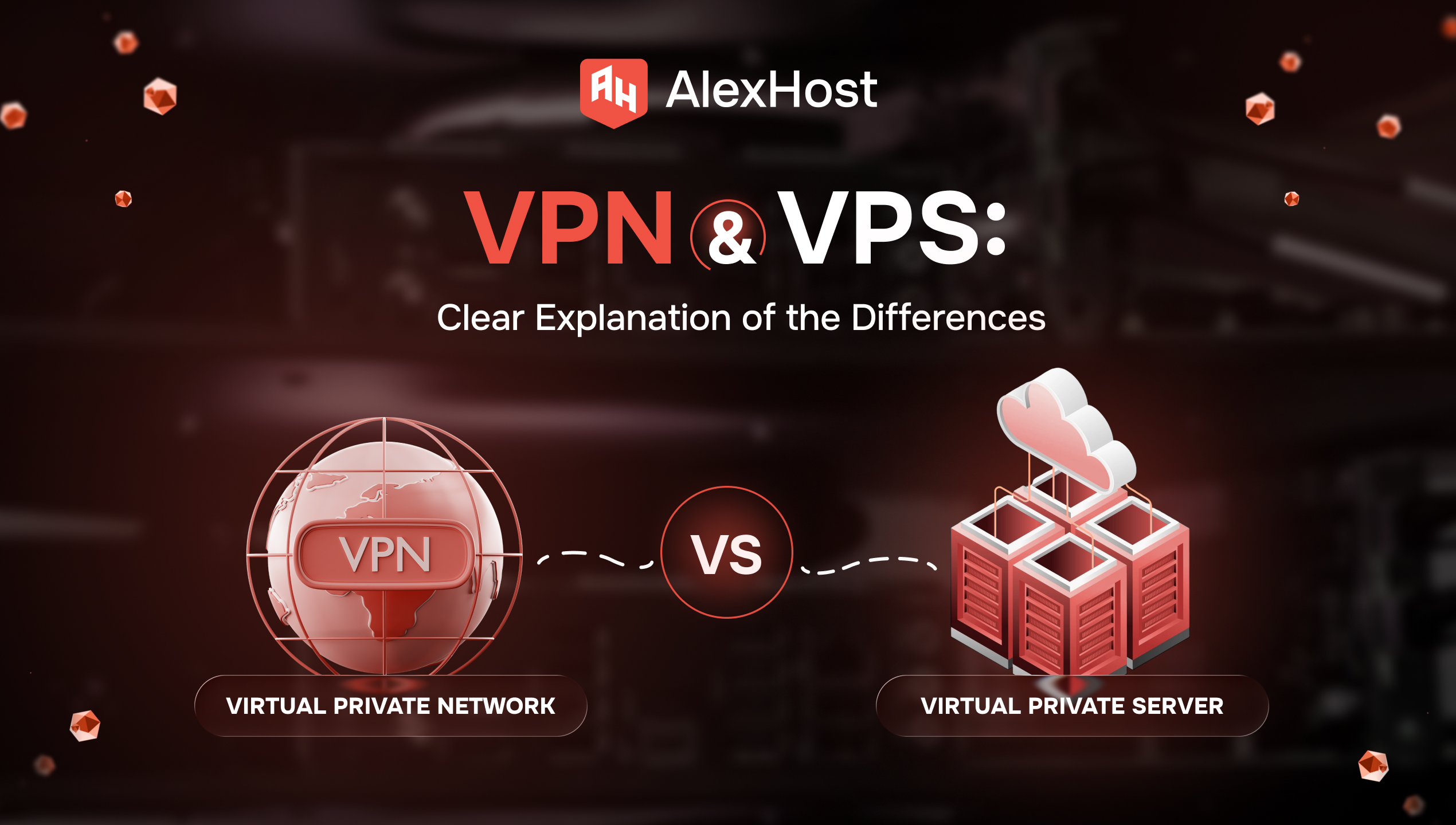
Anda membuka dua tab karena Anda membutuhkan salah satu dari dua hal yang sangat normal: penjelajahan yang lebih aman di Wi‑Fi publik, atau server untuk situs web, aplikasi, atau alat self-hosted. Kemudian internet memberikan Anda dua akronim yang hampir identik…
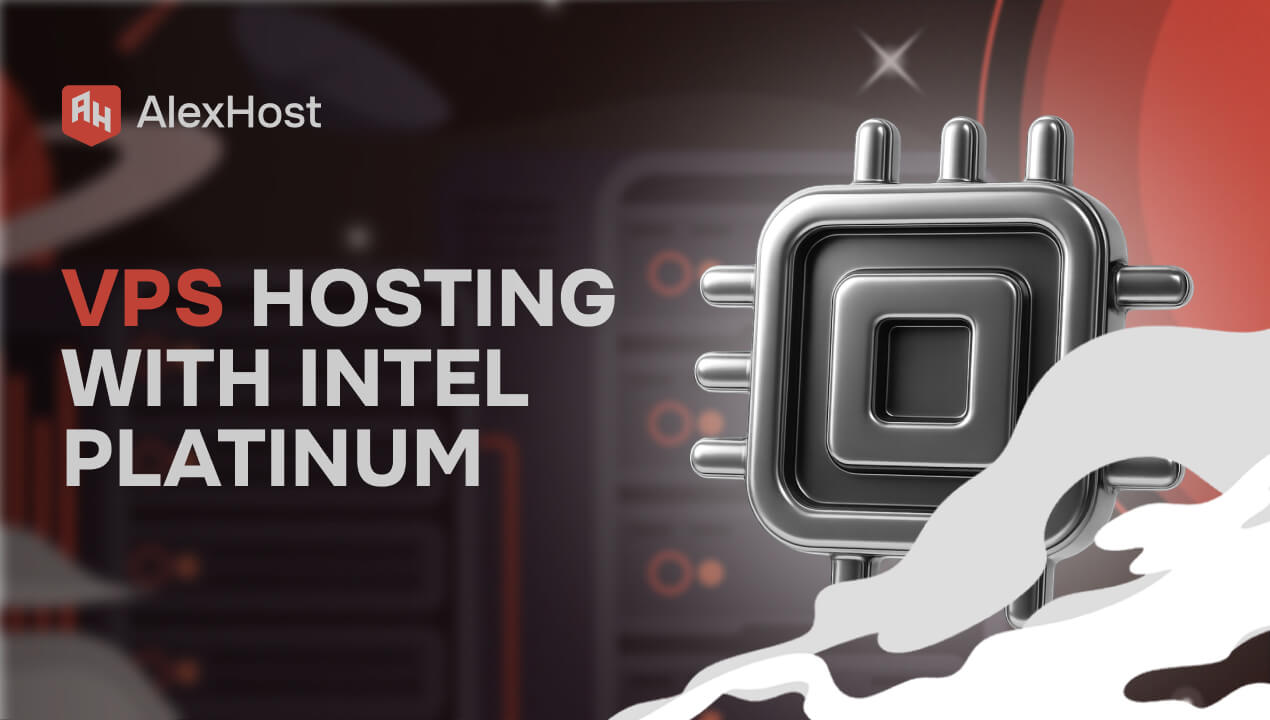
AlexHost memperkenalkan peningkatan besar pada ekosistem hosting-nya dengan peluncuran seri VPS baru yang dibangun di atas platform Intel Platinum 8268. Rilis ini memberikan lompatan substansial dalam hal stabilitas, kekuatan pemrosesan, dan performa tingkat perusahaan - ideal untuk para klien yang…
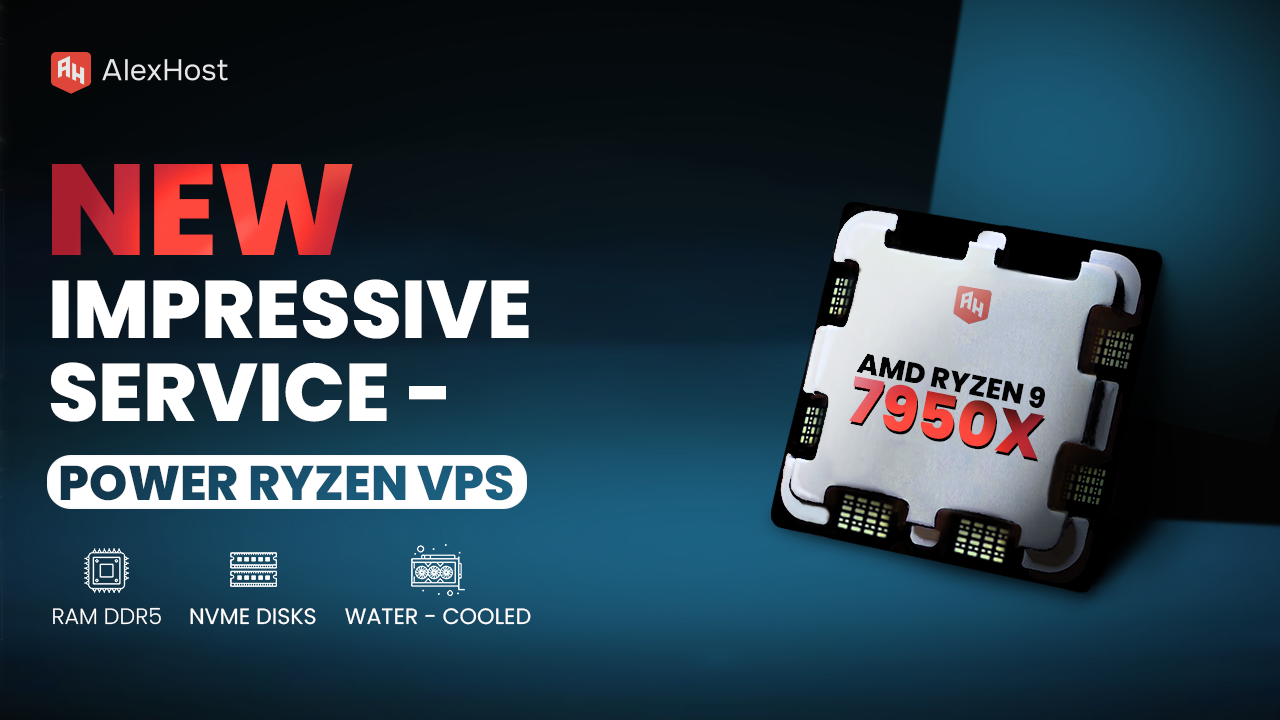
Siap untuk memenuhi kebutuhan pelanggannya yang terus meningkat, AlexHost dengan bangga mengumumkan peluncuran layanan VPS Ryzen barunya, sebuah perangkat penting yang dirancang untuk menangani kompleksitas proyek bisnis modern, apa pun ukuran atau skalanya. Didukung oleh prosesor AMD Ryzen 9 terbaru,…
Mengubah ukuran font di WordPress berarti menyesuaikan skala tipografi elemen teks situs Anda — heading, teks isi, keterangan, dan label navigasi — baik di tingkat blok, tingkat tema, atau secara global melalui CSS. Metode yang Anda pilih menentukan cakupan perubahan:…
Ketika IP VPS atau server dedicated tidak dapat dijangkau dari negara tertentu, penyebabnya hampir tidak pernah merupakan kegagalan pada infrastruktur penyedia hosting. Ketidaktersediaan IP regional terjadi ketika ISP lokal, otoritas pemerintah, atau operator sistem otonom memfilter atau null-route lalu lintas…

Jika Anda pernah memasang alat AI baru, melihat binary mendarat di PATH Anda, dan masih berakhir dengan sesuatu yang secara teknis ada tetapi praktis tidak berguna, Anda sudah memahami masalah yang diselesaikan oleh quickstart Hermes Agent ini. Instalasi yang selesai…
Jika Anda melihat pertumbuhan aktif dalam lalu lintas sumber daya web Anda, Anda harus mempertimbangkan untuk beralih ke server VPS Windows 11. Demikian pula, ada baiknya merencanakan solusi seperti itu dalam situasi di mana hosting standar tidak memberikan kinerja yang memadai dan tidak memungkinkan interaksi berkualitas tinggi dengan peningkatan kebutuhan proyek dan sumber daya yang dikeluarkan.
Kriteria apa yang harus dipandu saat memilih VPS untuk Windows 11? Perhatikan konfigurasi server. Ini menentukan kecepatan dan tingkat kinerja situs, menjamin stabilitasnya. Juga parameter seperti jumlah disk dan RAM, total daya prosesor juga penting. Sangatlah penting untuk mengetahui ulasan tentang kualitas layanan dan keandalan penyedia hosting yang ingin Anda ajak bekerja sama. AlexHost dalam hal ini adalah penyedia layanan persewaan server yang stabil dan bertanggung jawab yang pasti dapat Anda andalkan.
Mendaftar ke AlexHost untuk menyewa VPS untuk Windows 11, Anda dapat mengandalkan untuk mendapatkan solusi peladen yang andal dan 100% praktis. Patut dicatat bahwa server yang diterima untuk penggunaan sementara dapat dikonfigurasi secara individual sesuai dengan kebutuhan proyek digital Anda. Tim AlexHost, pada gilirannya, menjamin dukungan teknis 24/7 yang komprehensif dan pendekatan individual untuk setiap klien. Juga di antara keuntungan penyewaan server melalui AlexHost adalah harga yang terjangkau, label harga yang terjangkau, akses penuh ke penggunaan server fisik, lingkungan yang 100% aman untuk pekerjaan yang bermanfaat.
Apakah VPS Windows 11 yang murah bisa efektif? Tentu saja, secara umum, harga produk server secara langsung bergantung pada pengaturannya. Selain itu, harga juga dipengaruhi secara langsung oleh jumlah spesifik RAM dan jumlah inti prosesor. Konsultasikan dengan para ahli AlexHost untuk mengetahui faktor-faktor apa saja yang menentukan harga solusi server yang ingin Anda sewa.
Penyiapan yang cepat. Tidak ada kontrak jangka panjang