 Buka Tiket
  +373 79 600002
  Obrolan Langsung Telegram
  F.A.Q
F.A.Q  Indonesia
 English
  Русский
  Română
  Deutsch
  Français
  Türkçe
  Español
  Português
  Українська
  български
  中文 (中国)












































































































U2
-
 2 vCores
 -
 DDR4 4 GB
 -
 40 GB NVMe
 -
 Bersama 100 Mbps





























NVMe SSD, akses root penuh, IPv4 dedicated, hingga 1 Gbps. Pilih paket dan deploy dalam hitungan menit.


 2 vCores DDR4 4 GB 40 GB NVMe Bersama 100 Mbps 2 vCores DDR4 4 GB 40 Go NVMe Bersama 1 Gbps 2 vCores DDR4 4 GB 40 GB NVMe Bersama 1 Gbps 2 vCores DDR4 4 GB 40 GB NVMe Bersama 1 Gbps 2 vCores DDR4 4 GB 40 GB NVMe Bersama 1 Gbps 2 vCores DDR4 4 GB 40 GB NVMe Bersama 1 Gbps 2 vCores DDR4 4 GB 40 GB NVMe Bersama 1 Gbps 2 vCores DDR4 4 GB 40 GB NVMe Bersama 1 Gbps 4 vCores DDR4 8 GB 80 GB NVMe Bersama 100 Mbps 4 vCores DDR4 8 GB 80 ГБ NVMe Bersama 1 Gbps 4 vCores DDR4 8 GB 80 GB NVMe Bersama 1 Gbps 4 vCores DDR4 8 GB 80 GB NVMe Bersama 1 Gbps 4 vCores DDR4 8 GB 80 GB NVMe Bersama 1 Gbps 4 vCores DDR4 8 GB 80 GB NVMe Bersama 1 Gbps 4 vCores DDR4 8 GB 80 GB NVMe Bersama 1 Gbps 4 vCores DDR4 8 GB 80 GB NVMe Bersama 1 Gbps
 Tidak ada paket dalam kisaran harga ini.
Dalam pemahaman sederhana tentang istilah ini, server VPS mengacu pada komputer pribadi yang terpisah dengan sistem operasi Windows Server yang sudah diinstal sebelumnya. PC ini tidak dilengkapi dengan monitor dan terletak jauh dari pengguna akhir, bahkan sering kali di negara lain. Dengan demikian, VPS Windows Forex disederhanakan sebagai semacam komputer awan. Dengan mendapatkan akses individu ke sana, Anda dapat melakukan hampir semua tindakan seperti pada PC rumahan biasa. Pada saat yang sama, rentang fungsi dan alat jauh lebih beragam. Itulah sebabnya saat ini, semakin banyak trader yang berpengetahuan luas, yang mengikuti perkembangan zaman, lebih memilih VPS Forex Windows
AlexHost adalah mitra tepercaya Anda dalam dunia layanan hosting yang disempurnakan. Anda dapat beralih ke spesialis yang berpengetahuan luas ini kapan saja dan memesan server khusus untuk pertukaran. Setelah Anda memilih penyedia layanan, trader menginstal VPS Windows Forex untuk satu atau beberapa terminal trading. Ini bisa berupa, misalnya, MetaTrader versi 4 atau 5, sesuai dengan preferensi Anda. Server virtual yang disediakan memastikan tingkat perlindungan pengguna yang sangat baik terhadap peristiwa force majeure, termasuk
Bahkan jika Anda mengakhiri sesi jarak jauh Anda saat ini, perdagangan Forex VPS Windows akan terus mempertahankan operasi yang stabil dari terminal dan penasihat MetaTrader. Dalam hal ini, perdagangan akan ditutup, dan posisi baru akan dibuka secara instan dalam mode otomatis penuh, tanpa perlu dukungan atau penyesuaian trader. Anda hanya akan memantau peningkatan yang stabil dalam laba tetap dan melacak pertumbuhan setoran awal. Menyewa VPS Forex Windows, tentu saja, membutuhkan investasi tertentu. Mereka bergantung langsung pada tarif yang dipilih, yaitu, pada parameter spesifik PC virtual. Biasanya, mereka berbanding lurus dengan jumlah penasihat dan terminal yang berfungsi. Setuju, saat mengoperasikan VPS Forex Windows, investasi semacam itu dapat sepenuhnya dibenarkan hanya dalam kasus pertukaran algoritmik yang benar-benar dinamis. Jika sebelumnya Anda berdagang secara manual, kami sangat menyarankan untuk mencari bantuan dari VPS Forex Windows murah, yang menyediakan akses ke dunia pendekatan perdagangan otomatis yang baru dan lebih baik di Forex
Layanan yang menyediakan sumber daya di server khusus yang terletak di pusat data, yang dikenal sebagai Forex VPS Windows murah, ditawarkan oleh banyak perusahaan. Namun, AlexHost menonjol di antara mereka. Mengapa? Karena bagi para trader yang membutuhkan server pribadi virtual (VPS) dengan sistem operasi Windows yang terinstal untuk memuat dan menjalankan platform MetaTrader, sebagian besar perusahaan hosting menawarkan Linux. Tidak seperti Windows, Linux didistribusikan di bawah lisensi gratis dan biasanya digunakan oleh webmaster dan pengembang aplikasi. Namun, AlexHost menyadari bahwa para trader membutuhkan server yang kompatibel dengan Windows dan karenanya menawarkan VPS yang sesuai dengan sistem operasi Microsoft Server. Saat memilih parameter VPS, trader disarankan untuk memperhatikan versi Windows Server yang lebih baru dan peningkatan kapasitas RAM. Mempertimbangkan tingkat konsumsi sumber daya MetaTrader 4 dan 5, yang merupakan terminal paling umum di pasar Forex, trader tidak selalu perlu memilih beberapa prosesor CPU dan RAM dalam jumlah besar. Sebaliknya, disarankan untuk fokus pada parameter optimal yang memenuhi kebutuhan dan anggaran mereka. AlexHost bertujuan untuk menyediakan solusi trading Forex VPS Windows yang tepat bagi kliennya yang memenuhi persyaratan mereka, memastikan keandalan, kinerja, dan kemudahan penggunaan
Saat memilih VPS Windows untuk perdagangan Forex dan penyedia VPS khusus untuk pertukaran, penting untuk memperhatikan parameter khusus yang disesuaikan dengan kebutuhan pedagang. Banyak perusahaan menawarkan pengaturan pra-konfigurasi yang dioptimalkan untuk kebutuhan pasar keuangan. Misalnya, di situs web AlexHost, karakteristik optimal server virtual dan jumlah terminal perdagangan yang disarankan disajikan. Namun, perlu dipertimbangkan bahwa nilai-nilai ini mungkin meningkat untuk tujuan pemasaran, dan disarankan untuk menguranginya hingga 30% untuk mendapatkan penilaian yang lebih realistis. Pada platform hosting lain, pengguna harus mengonfigurasi server virtual sendiri. Misalnya, ketika bekerja sama dengan AlexHost, trader yang menggunakan strategi kuantitatif dan bekerja dengan robot bisa mendapatkan server khusus yang memberi mereka kinerja dan stabilitas yang diperlukan.
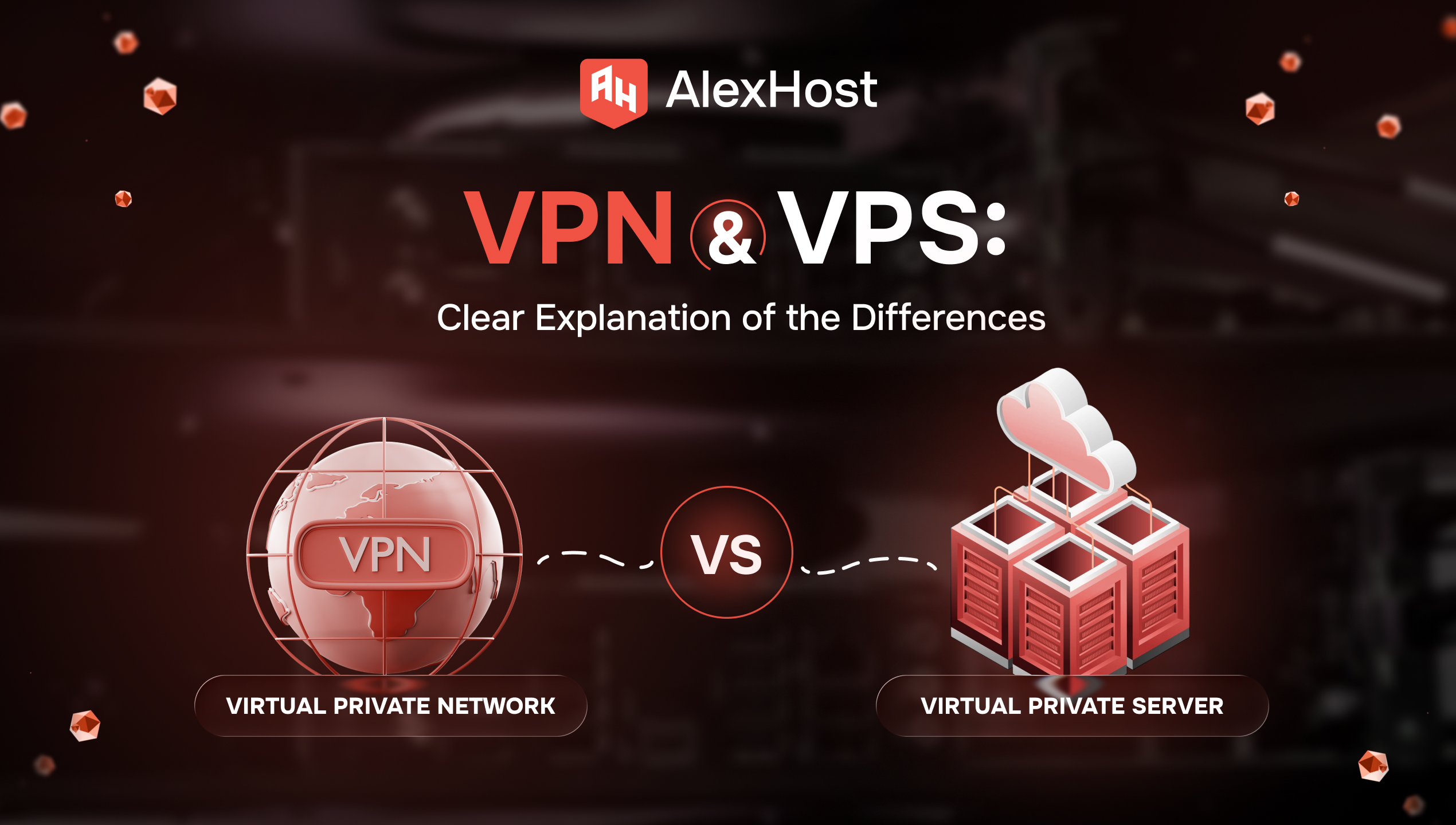
Anda membuka dua tab karena Anda membutuhkan salah satu dari dua hal yang sangat normal: penjelajahan yang lebih aman di Wi‑Fi publik, atau server untuk situs web, aplikasi, atau alat self-hosted. Kemudian internet memberikan Anda dua akronim yang hampir identik…

AlexHost memperkenalkan peningkatan besar pada ekosistem hosting-nya dengan peluncuran seri VPS baru yang dibangun di atas platform Intel Platinum 8268. Rilis ini memberikan lompatan substansial dalam hal stabilitas, kekuatan pemrosesan, dan performa tingkat perusahaan - ideal untuk para klien yang…
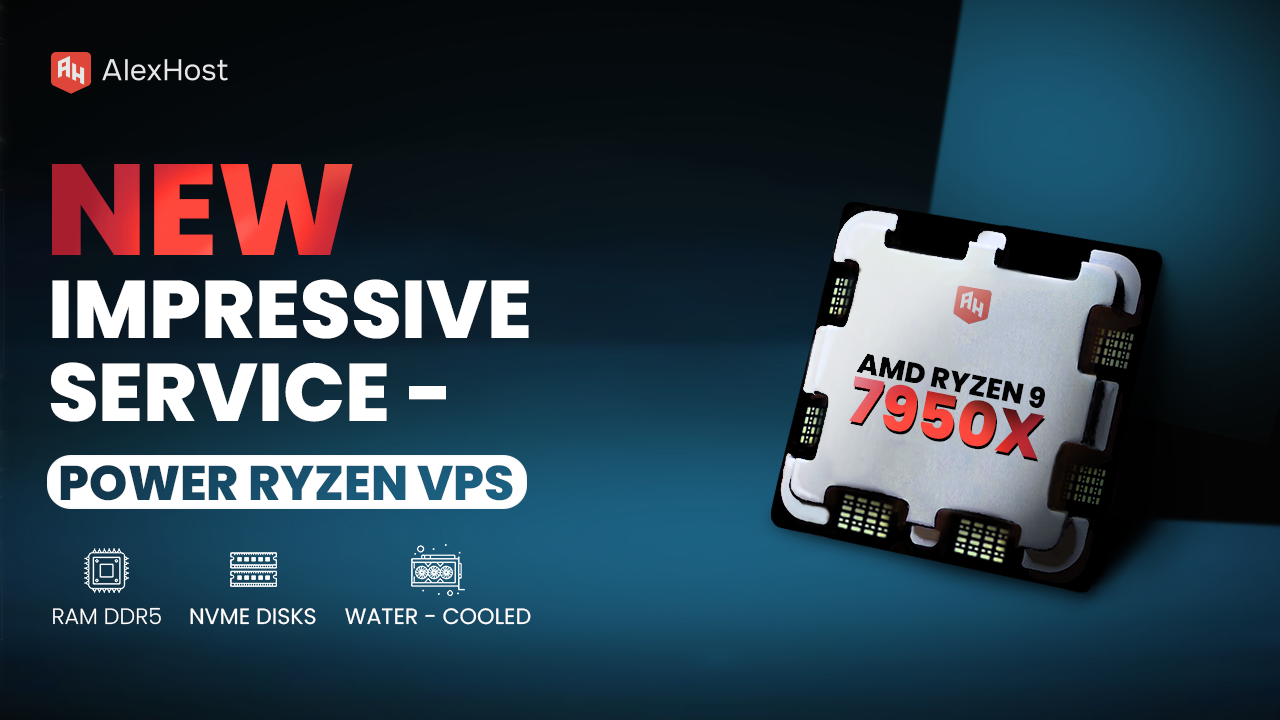
Siap untuk memenuhi kebutuhan pelanggannya yang terus meningkat, AlexHost dengan bangga mengumumkan peluncuran layanan VPS Ryzen barunya, sebuah perangkat penting yang dirancang untuk menangani kompleksitas proyek bisnis modern, apa pun ukuran atau skalanya. Didukung oleh prosesor AMD Ryzen 9 terbaru,…

Baik Anda seorang developer yang menguji aplikasi, sysadmin yang mengelola lingkungan terisolasi, atau power user yang menjalankan beberapa sistem operasi, mengetahui cara mentransfer file secara efisien antara mesin host dan mesin virtual (VM) VirtualBox adalah keterampilan penting. Dalam panduan komprehensif…
Catatan Reverse DNS (rDNS), juga dikenal sebagai catatan PTR, adalah komponen penting dari Domain Name System (DNS) yang memetakan alamat IP kembali ke nama domain. Proses ini adalah kebalikan dari pencarian DNS tradisional, yang memetakan nama domain ke alamat IP.…
Waktu aktivasi VPS biasanya berkisar dari beberapa menit hingga beberapa jam, tergantung pada penyedia, kecepatan konfirmasi pembayaran, sistem operasi yang dipilih, dan opsi konfigurasi khusus. Di AlexHost, provisi otomatis selesai dalam 30 menit setelah pembayaran dikonfirmasi — seringkali jauh lebih…
Dengan memanfaatkan potensi teknis dan perangkat penuh dari server VPS Windows untuk platform Forex, Anda mendapatkan lingkungan yang ideal untuk menginstal dan menjalankan robot trading. Dalam ruang yang aman, strategi pertukaran Anda akan memberikan hasil yang telah lama ditunggu-tunggu, sementara Anda dapat dengan nyaman memantau situasi pasar dari jarak jauh. Selain itu, solusi semacam itu menawarkan akses tak terbatas ke desktop jarak jauh, sehingga bekerja dengan MetaTrader dan platform lain menjadi lebih nyaman dan mudah.
Saat memilih produk semacam itu, penting untuk tidak hanya mempercayai penyedia layanan VPS yang terbukti dan stabil, tetapi juga mempertimbangkan pilihan parameter server secara bertanggung jawab. Selalu evaluasi geolokasi (meminimalkan penundaan pemrosesan transaksi), kapasitas memori yang tersedia, kinerja server, dan kualitas operasi.
Beberapa penyedia hosting modern mungkin menawarkan berbagai layanan tambahan, termasuk pemasangan perangkat lunak unik, pemantauan server (memastikan operasi yang berkelanjutan), penyimpanan data, dan perlindungan teknis (24/7). Konsultasikan dengan manajer yang penuh perhatian di AlexHost untuk mendapatkan informasi komprehensif tentang opsi tambahan yang termasuk dalam berbagai jenis tarif.
Penyiapan yang cepat. Tidak ada kontrak jangka panjang