 Русский
  Română
  Deutsch
  Français
  Türkçe
  Español
  Português
  Українська
  български
  Polski
  Indonesia
  中文 (中国)
















































































































U1
-
 1 vCores
 -
 DDR4 1.5 GB
 -
 10 GB NVMe
 -
 Shared 100 Mbps
 Open Ticket
  +373 79 600002 info@alexhost.com
  Telegram Live Chat Telegram Official
  F.A.Q
F.A.Q  English


























NVMe SSD, full root access, dedicated IPv4, and up to 1 Gbps. Choose a plan and deploy in minutes.


 1 vCores DDR4 1.5 GB 10 GB NVMe Shared 100 Mbps 1 vCores DDR4 1.5 GB 10 GB NVMe 100 Мбит/с 1 vCores DDR4 1.5 GB 10 Go NVMe 100 Мбит/с 1 vCores DDR4 1.5 GB 10 GB NVMe Shared 100 Mbps 1 vCores DDR4 1.5 GB 10 Go NVMe Shared 1 Gbps 1 vCores DDR4 1.5 GB 10 GB NVMe Shared 100 Mbps 1 vCores DDR4 1.5 GB 10 GB NVMe Shared 100 Mbps 1 vCores DDR4 1.5 GB 10 GB NVMe Shared 100 Mbps 1 vCores DDR4 2 GB 20 GB NVMe Shared 1 Gbps 1 vCores DDR4 2 GB 20 GB NVMe Shared 1 Gbps 2 vCores DDR4 4 GB 40 GB NVMe Shared 100 Mbps 1 vCores DDR4 1 GB 10 GB NVMe Shared 100 Mbps 2 vCores DDR4 4 GB 40 GB NVMe Shared 1 Gbps 1 vCores DDR4 1 GB 10 GB NVMe Shared 1 Gbps 2 vCores DDR4 4 GB 40 GB NVMe Shared 1 Gbps 1 vCores DDR4 1 GB 10 GB NVMe Shared 1 Gbps 2 vCores DDR4 4 GB 40 GB NVMe Shared 1 Gbps 1 vCores DDR4 1 GB 10 GB NVMe Shared 1 Gbps 2 vCores DDR4 4 GB 40 GB NVMe Shared 1 Gbps 1 vCores DDR4 1 GB 10 GB NVMe Shared 1 Gbps 2 vCores DDR4 4 GB 40 GB NVMe Shared 1 Gbps 1 vCores DDR4 1 GB 10 GB NVMe Shared 1 Gbps 2 vCores DDR4 4 GB 40 GB NVMe Shared 1 Gbps 1 vCores DDR4 1 GB 10 GB NVMe Shared 1 Gbps 2 vCores DDR4 4 GB 40 GB NVMe Shared 1 Gbps 1 vCores DDR4 1 GB 10 GB NVMe Shared 1 Gbps 2 vCores DDR4 4 GB 40 GB NVMe Shared 1 Gbps 2 vCores DDR4 4 GB 40 GB NVMe Shared 1 Gbps 2 vCores DDR5 1.5 GB 30GB NVMe Shared 1Gbps 4 vCores DDR4 8 GB 80 GB NVMe Shared 100 Mbps 4 vCores DDR4 8 GB 80 GB NVMe Shared 1 Gbps 4 vCores DDR4 8 GB 80 GB NVMe Shared 1 Gbps 4 vCores DDR4 8 GB 80 GB NVMe Shared 1 Gbps 4 vCores DDR4 8 GB 80 GB NVMe Shared 1 Gbps 4 vCores DDR4 8 GB 80 GB NVMe Shared 1 Gbps 4 vCores DDR4 8 GB 80 GB NVMe Shared 1 Gbps 4 vCores DDR4 8 GB 80 GB NVMe Shared 1 Gbps 1 vCores DDR4 1 GB 25 GB NVMe Shared 100 Mbps 1 vCores DDR4 1 GB 25 GB NVMe Shared 1 Gbps 1 vCores DDR4 1 GB 25 GB NVMe Shared 1 Gbps 1 vCores DDR4 1 GB 25 GB NVMe Shared 1 Gbps 1 vCores DDR4 1 GB 25 GB NVMe Shared 1 Gbps 1 vCores DDR4 1 GB 25 GB NVMe Shared 1 Gbps 1 vCores DDR4 1 GB 25 GB NVMe Shared 1 Gbps 1 vCores DDR4 1 GB 25 GB NVMe Shared 1 Gbps 4 vCores DDR5 2 GB 50GB NVMe Shared 1Gbps 4 vCores DDR4 8 GB 80 GB NVMe Shared 1 Gbps 4 vCores DDR4 8 GB 80 GB NVMe Shared 1 Gbps 6 vCores DDR4 12 GB 120 GB NVMe Shared 1 Gbps 6 vCores DDR4 12 GB 120 GB NVMe Shared 1 Gbps 2 vCores DDR4 2 GB 40 GB NVMe Shared 100 Mbps 2 vCores DDR4 2 GB 40 GB NVMe Shared 1 Gbps 2 vCores DDR4 2 GB 40 GB NVMe Shared 1 Gbps 2 vCores DDR4 2 GB 40 GB NVMe Shared 1 Gbps 2 vCores DDR4 2 GB 40 GB NVMe Shared 1 Gbps 2 vCores DDR4 2 GB 40 GB NVMe Shared 1 Gbps 2 vCores DDR4 2 GB 40 GB NVMe Shared 1 Gbps 2 vCores DDR4 2 GB 40 GB NVMe Shared 1 Gbps 4 vCores DDR5 4 GB 80GB NVMe Shared 1Gbps 4 vCores DDR4 4 GB 60 GB NVMe Shared 100 Mbps 4 vCores DDR4 4 GB 60 GB NVMe Shared 1 Gbps 4 vCores DDR4 4 GB 60 GB NVMe Shared 1 Gbps 4 vCores DDR4 4 GB 60 GB NVMe Shared 1 Gbps 4 vCores DDR4 4 GB 60 GB NVMe Shared 1 Gbps 4 vCores DDR4 4 GB 60 GB NVMe Shared 1 Gbps 4 vCores DDR4 4 GB 60 GB NVMe Shared 1 Gbps 4 vCores DDR4 4 GB 60 GB NVMe Shared 1 Gbps 8 vCores DDR4 16 GB 160 GB NVMe Shared 1 Gbps 8 vCores DDR4 16 GB 160 GB NVMe Shared 1 Gbps 6 vCores DDR5 8 GB 150GB NVMe Shared 1Gbps 6 vCores DDR4 6 GB 100 GB NVMe Shared 100 Mbps 6 vCores DDR4 6 GB 100 GB NVMe Shared 1 Gbps 6 vCores DDR4 6 GB 100 GB NVMe Shared 1 Gbps 6 vCores DDR4 6 GB 100 GB NVMe Shared 1 Gbps 6 vCores DDR4 6 GB 100 GB NVMe Shared 1 Gbps 6 vCores DDR4 6 GB 100 GB NVMe Shared 1 Gbps 6 vCores DDR4 6 GB 100 GB NVMe Shared 1 Gbps 6 vCores DDR4 6 GB 100 GB NVMe Shared 1 Gbps 12 vCores DDR4 24 GB 240 GB NVMe Shared 1 Gbps 12 vCores DDR4 24 GB 240 GB NVMe Shared 1 Gbps 8 vCores DDR4 8 GB 150 GB NVMe Shared 100 Mbps 8 vCores DDR4 8 GB 150 GB NVMe Shared 1 Gbps 8 vCores DDR4 8 GB 150 GB NVMe Shared 1 Gbps 8 vCores DDR4 8 GB 150 GB NVMe Shared 1 Gbps 8 vCores DDR4 8 GB 150 GB NVMe Shared 1 Gbps 8 vCores DDR4 8 GB 150 GB NVMe Shared 1 Gbps 8 vCores DDR4 8 GB 150 GB NVMe Shared 1 Gbps 8 vCores DDR4 8 GB 150 GB NVMe Shared 1 Gbps 8 vCores DDR5 12 GB 200GB NVMe Shared 1Gbps 16 vCores DDR4 32 GB 320 GB NVMe Shared 1 Gbps 16 vCores DDR4 32 GB 320 GB NVMe Shared 1 Gbps 10 vCores DDR5 16 GB 300GB NVMe Shared 1Gbps
 No plans in this price range.

TeamSpeak is a well-known program that supports voice communication and allows users to create virtual rooms for thematic discussions. It is the perfect solution for high-quality, cohesive teamwork and gaming sessions. By turning to the experts at AlexHost, you can rent a TeamSpeak server at a great price and take full advantage of the platform’s features without the need to install a personal server. This approach significantly simplifies and speeds up the workflow.
A TeamSpeak server refers to the service of providing access to the TeamSpeak platform without the need for complex setups or the time-consuming maintenance of personal equipment. Due to its convenience and reliability, this service from AlexHost is in high demand among companies that hold regular team calls using a unified platform like TeamSpeak. This provider offers the option to rent pre-configured servers optimized for use with TS hosting, ensuring clients receive:
When working with the provider team at AlexHost for TeamSpeak server hosting rental and operation, you can expect a wide range of benefits and perks, including:
Still wondering why hosting for TeamSpeak is in such high demand? The key lies in its ability to simplify team collaboration, establish seamless communication between different groups of employees, and achieve greater success in working on any project. TeamSpeak-based hosting offers:
Thus, TeamSpeak hosting is the most effective, functional, and convenient solution. It allows you to easily establish stable voice communication for your team (whether for gamers or employees). TeamSpeak hosting is a combination of affordability, flexible settings, high-level security, and functionality. By choosing AlexHost as your provider, you’re making the right decision and ensuring improved communication quality among team members.
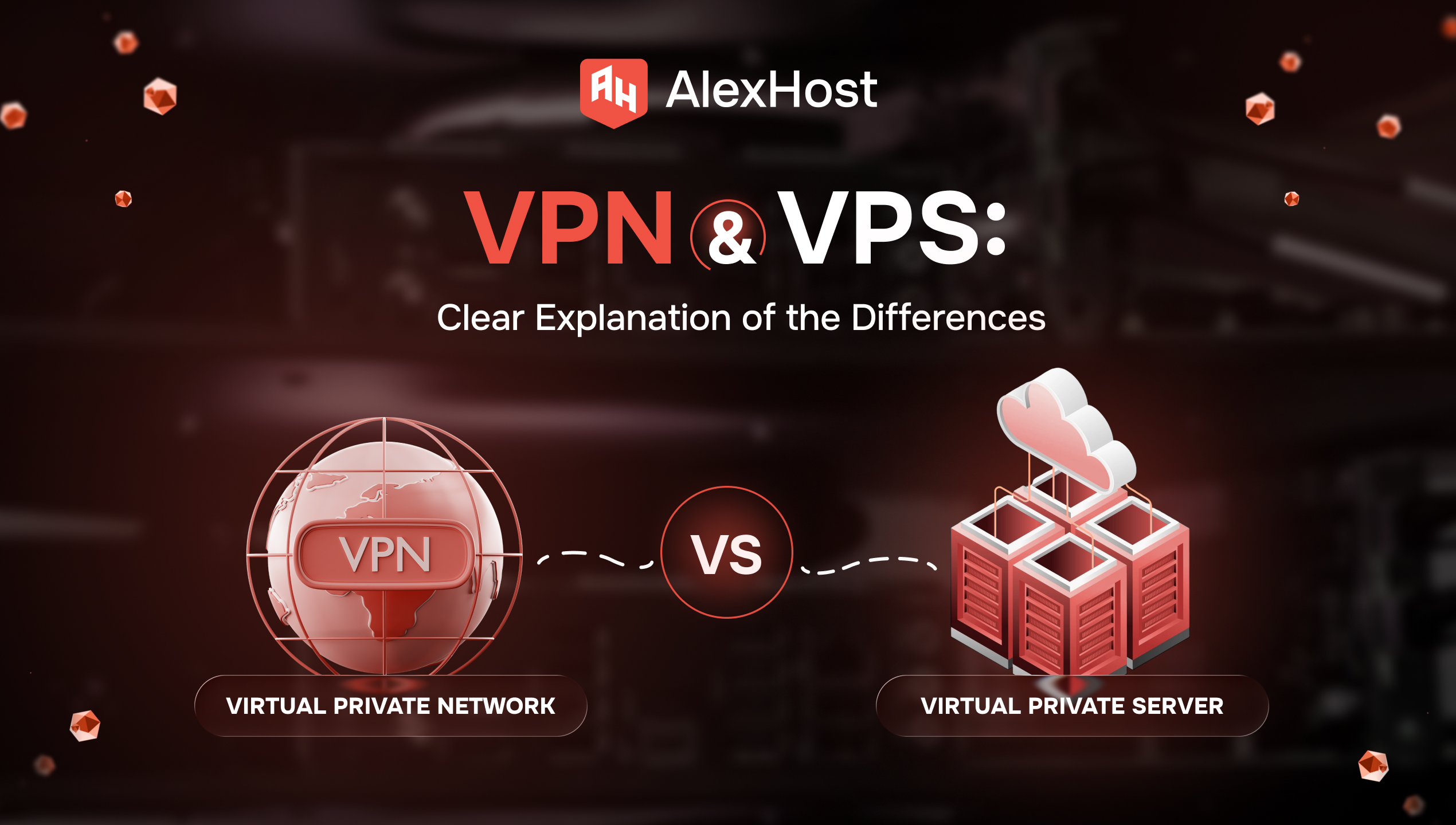
You open two tabs because you need one of two very normal things: safer browsing on public Wi‑Fi, or a server for a website, app, or self-hosted tool. Then the internet hands you two nearly identical acronyms — VPN and…
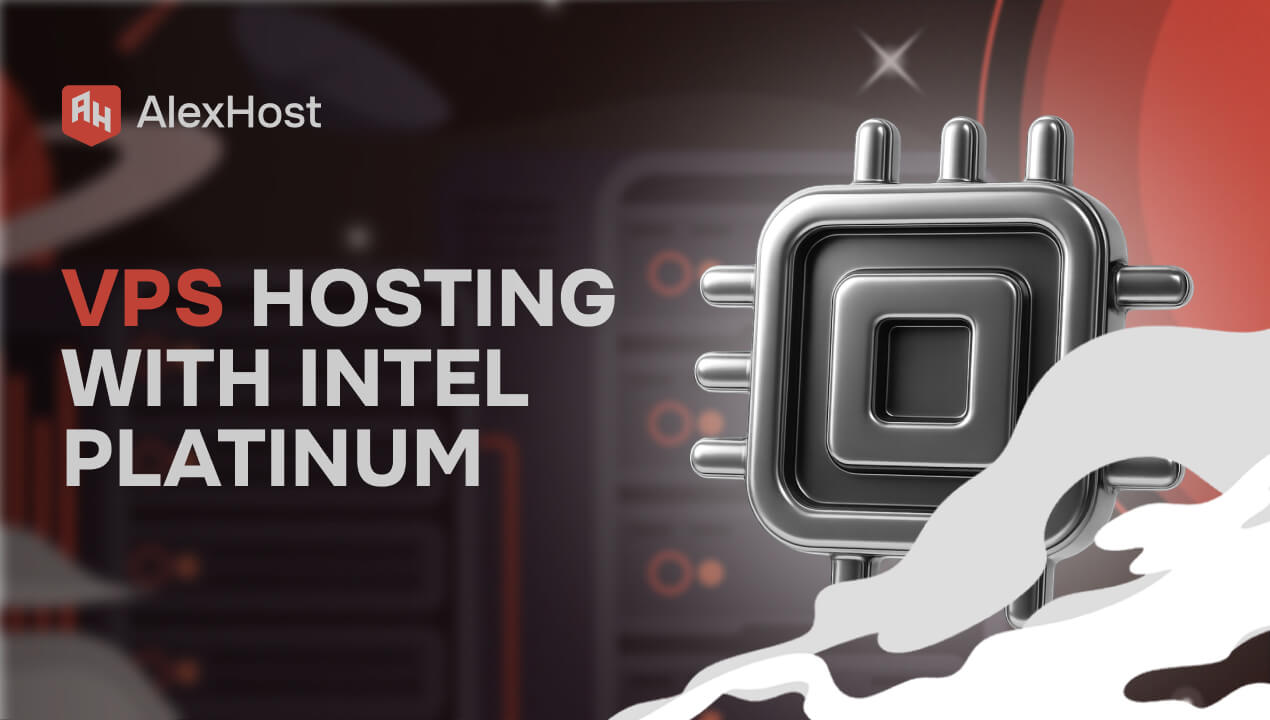
AlexHost introduces a major enhancement to its hosting ecosystem with the launch of a new VPS series built on the Intel Platinum 8268 platform. This release delivers a substantial leap in stability, processing power, and enterprise-grade performance — ideal for…
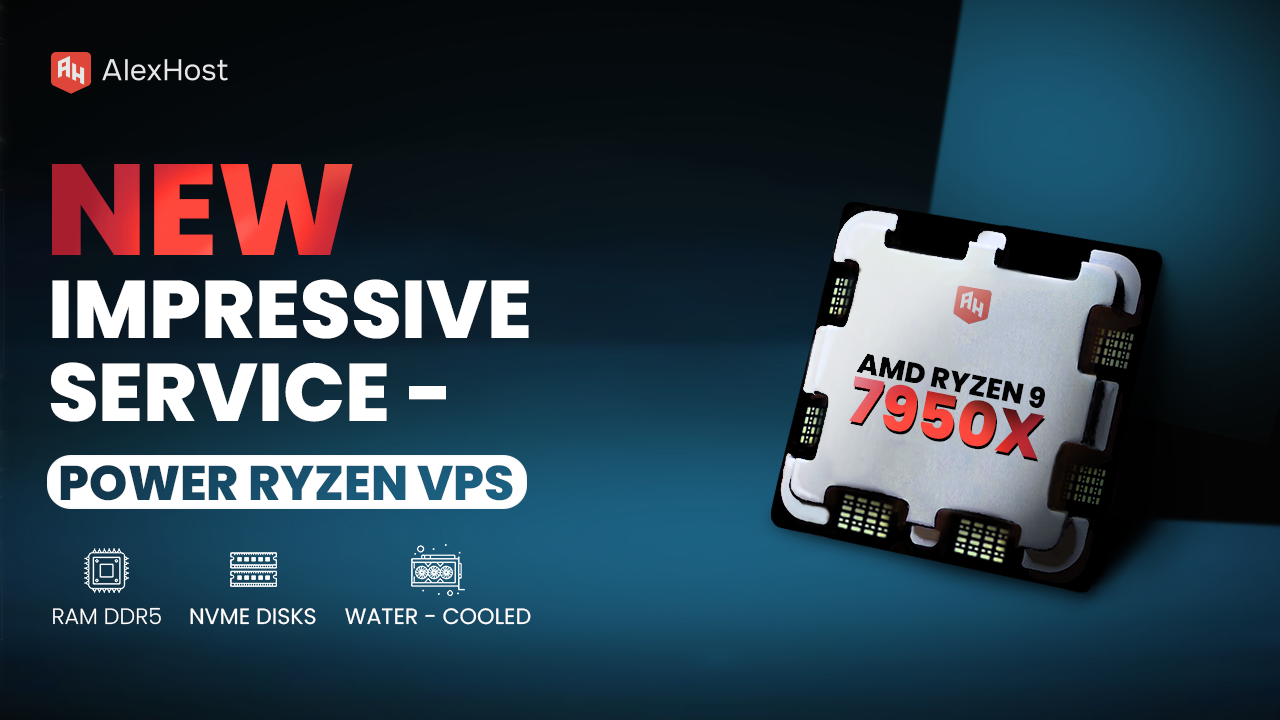
Ready to meet the growing needs of its customers, AlexHost is pleased to announce the launch of its new Ryzen VPS service, an essential tool designed to handle the complexities of modern business projects, regardless of their size or scale.…
The alerts start firing, users say the site is dead, and your first test gives you a strange kind of relief: SSH still lets you in. That moment feels reassuring because the server is not gone. But it is also…
VMware Fusion is one of the most powerful and polished virtualization platforms available for Mac users. Whether you need to run Windows applications, test Linux distributions, or maintain isolated development environments, VMware Fusion lets you do it all without ever…
PostgreSQL is an advanced, open-source object-relational database management system (ORDBMS) that supports both SQL and JSON querying, ACID-compliant transactions, and extensible data types. When deployed on a Virtual Private Server, it gains dedicated compute resources, full kernel-level configuration access, and…
A TeamSpeak server is a solution that allows you to rent an affordable and efficient platform equipped with essential software for team communication. Temporary use of such a server eliminates the need to invest in purchasing and maintaining expensive equipment.
The primary goal of using TeamSpeak server hosting is to gain access to a reliable platform for creating private rooms and facilitating team communication. This way, you can rent a TeamSpeak server cost-effectively and use the platform to improve communication quality between individual employees and their groups. Additionally, this product is used by modern gamers to create private rooms (discussing game tactics and strategies).
When selecting the optimal type of private TeamSpeak server, consider your objectives (whether for online gaming or team discussions), individual needs, budget, scalability options, and server technical parameters (configuration). By choosing the AlexHost provider, you are guaranteed not only the ability to select the optimal server configuration but also receive high-quality 24/7 technical support.
Fast setup. No long-term contracts


